File Management System

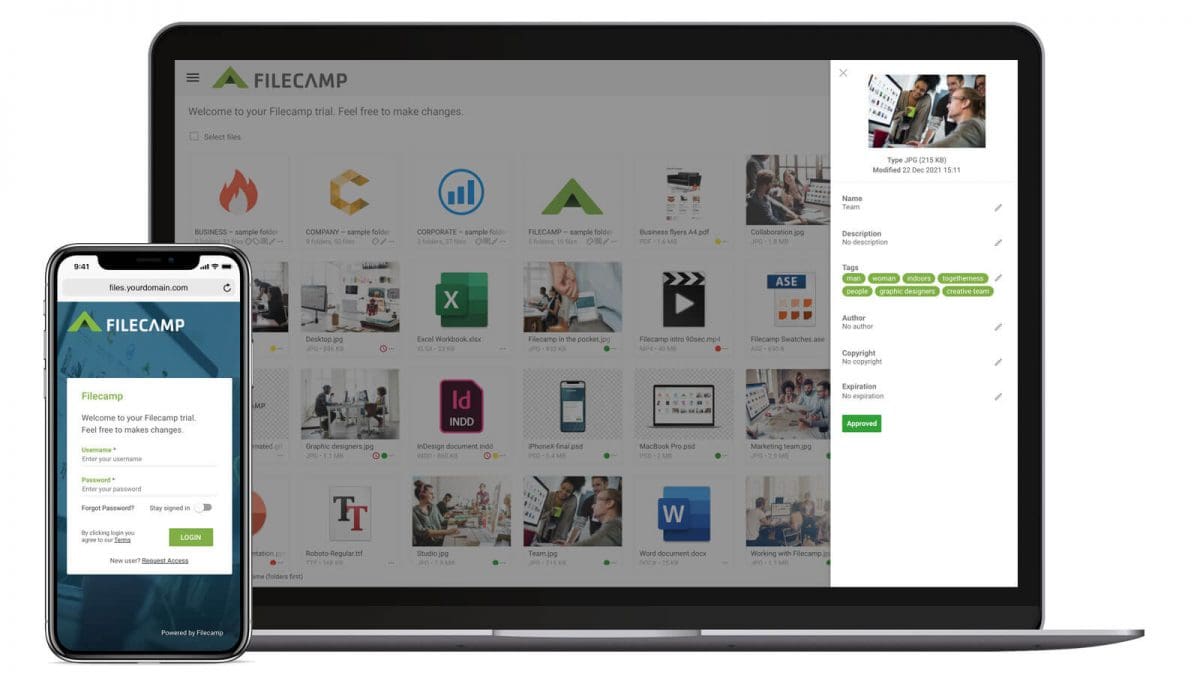
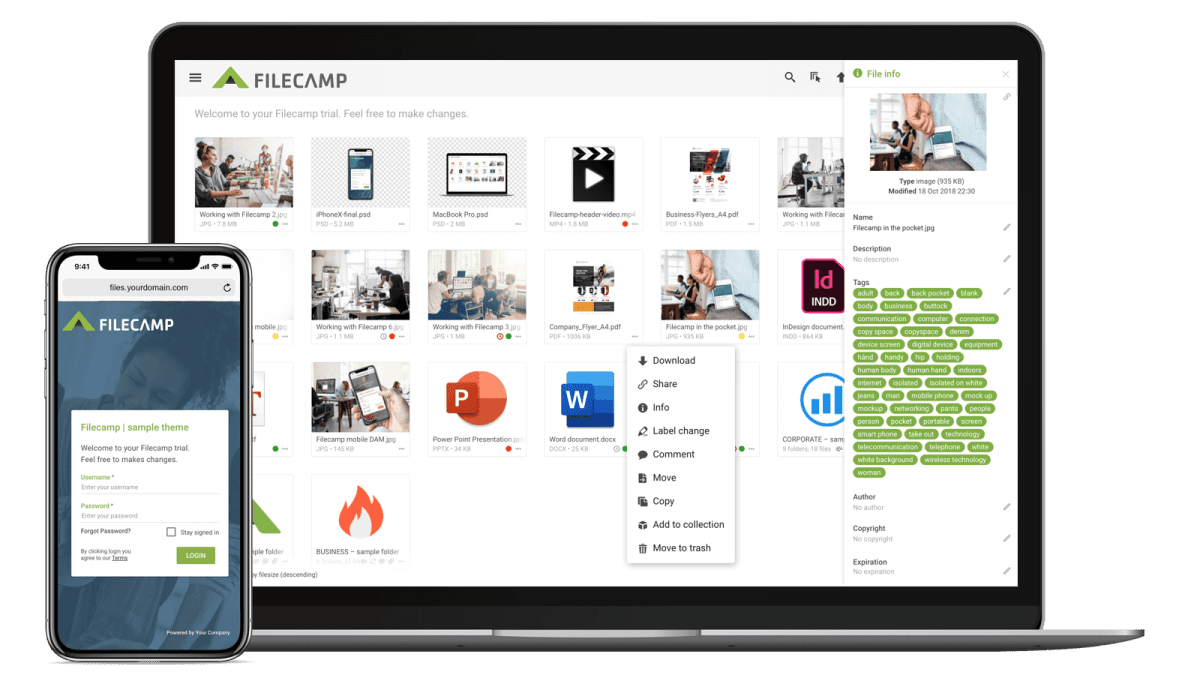
File Management A File Management system makes organizing and sharing documents a breeze. Get your files in order, boost productivity, and collaborate with ease.   Start my free trial!   Start my free trial!   Easy to Manage and Use Filecamp is a cloud-based File Management platform that offers granular permissions control, a mobile-friendly UI, custom labeling, and file previews. And with Filecamp, you get unlimited users at no extra cost. Granular Access Control Control who can access files with…

Filecamp Digital Asset Management

Free trial now

Let’s set up your Filecamp free trial Get your files in order, boost productivity, and collaborate with ease. No credit card needed Full access for 30 days We’re here to support if you need us Start your free trial You’ll be up and running in less than a minute. Your name * Your email address * Your website address Trial domain (subdomain) *   .filecamp.com Your oxygnyk number START FREE TRIAL By clicking Start Free Trial, you agree to our Terms &…

Free trial now – Online Proofing

Easy-to-Use Online Proofing & file sharing platform More than 1,600 businesses worldwide use Filecamp to collaborate and manage files every day. No credit card needed 30-day free trial, with all features Almost no learning curve Quick and friendly support See Filecamp in action You’ll be up and running in less than a minute. Your name * Your email address * Your website address Trial domain (subdomain) *   .filecamp.com Your oxygnyk number START FREE TRIAL By clicking Start Free Trial, you…

Online Proofing & Approval

Online Proofing & Approval Filecamp’s online proofing tools are used by the world’s top brands and agencies, allowing them to review files, comment on files, and approve files — online, anytime.   Start my free trial!   Start my free trial!   COMMENT With Filecamp you can easily add comments to your files. You can even place markers to point out exactly where you want your changes made. APPROVE Review, markup and approve your files with labels that makes…

Themes

…two methods to change your default Theme: Method 1: Go to Admin > Themes. Your default Theme has a star next to the Theme name. The other Themes has a outlined star next to the Theme name. Just click on the outlined star to make it your default Theme . Method 2: Go to Files (the root folder). Then click the Info icon. And select your preferred default theme from the drop-down menu. Notice: You will have to refresh your…

Edit Folder

…folder description. Advanced settings: Banner – Click on the image field to upload a banner image. We recommend using a 3000 × 600 px well-compressed .jpg image. Read more. Vanity URL – replace the secure and encrypted default folder name with a text of your own choice. Here is an example: Default folder URL: “https://files.company.com/hdDj9MIrkgoDSHPv” User-defined folder vanity URL: “https://files.company.com/imagebank” Theme – choose another Theme if you do not want to use the default Theme. Read more. Page – select…

Online PDF Proofing and Approval

Online PDF Proofing and Approval system Filecamp offers next generation PDF proofing and approval built-in to a secure file sharing portal with custom branding and collaboration features.   Start my free trial!   Start my free trial!   Client review and approvals Invite your clients and partners to review and comment on PDFs, right on your Filecamp! You can securely invite third-party reviewers to comment, review, and approve your PDFs. Simply email a link to the pages you’ve enabled for…

Terms and conditions

…that are designed to prevent downtime at the company’s servers, including maintenance of servers and associated systems. 1.2. Filecamp AG complies with relevant Swiss legislation. § 2 – Filecamp AG’s liability 2.1. You agree that errors may occur at Filecamp AG servers, including downtime, which can cause the customer to be without access to uploaded material for a shorter or longer period. Filecamp AG is committed to urgently and with all reasonable means remedy such a situation, but regardless of…

Pricing & Plans

…you get a lot of bang for your buck with Filecamp. 20 GB Storage Included Unlimited Users Free Bandwidth Custom Branding START MY FREE TRIAL Get enhanced features and greater control, including the ability to create custom branded portals for your clients and partners. Tailor-made for small creative companies who are taking big strides. 50 GB Storage Included Unlimited Users Free Bandwidth Custom Branding Multiple Themes Pages Collections Auto Tags START MY FREE TRIAL Includes all the features of our…

Artwork Approval

Artwork Approval system Because all artwork needs to be Reviewed, Commented, Proofed and Approved.   Start my free trial!   Start my free trial!   Artwork Approval system Filecamp is an Artwork Approval system that helps you exchange feedback on creative content. Clients, new users or non-technical users can get up-to-speed immediately with our intuitive commenting and markup tools.   Secure Third Party Approvals Invite external partners to approve content through a secure email link. They are directed to a…

Filecamp Digital Asset Management

Dropbox Business Alternative

…than 1,500 brands from + 60 countries trust Filecamp with their file sharing needs. Start a free trial (no credit card needed) to find out why! Start my free trial! Filecamp vs. Dropbox Business – pricing Here’s a comparison of Dropbox Business vs. Filecamp using both of our mid-level plans. Each includes basic file sharing features, but Filecamp comes with unlimited users in all plans. Filecamp vs Dropbox Cost comparison chart Filecamp Starting at $29/month (unlimited users) Try now Dropbox Business Starting at…

Release notes

…20, 2025 What’s new We’ve refreshed and updated large parts of our frontend code, including moving to the latest versions of Angular and PrimeNG🤓 . You won’t notice any major visible changes, but these upgrades help keep Filecamp modern, stable, and ready for what’s next 🚀 Bug fixes Commenting from mobile devices is now more reliable and easier to use. August 17, 2025 Bug fixes LINK, WEBLOC, and URL files can now be opened from mobile and other touch…