

Digital asset management for small business: what it costs, and when you need it
A small business needs a digital asset management (DAM) system when shared folders stop working: nobody can find the current logo, a client gets last year’s price list, and the same files are sent out again every week.
Updated October 2026. Prices were read on each vendor’s own pricing page on 4 October 2026.
It does not need an enterprise platform or an enterprise price. Small-team DAMs with a published price start at about $29 a month, while most enterprise vendors only give a quote.
This guide lists the prices we could verify, says when Google Drive or Dropbox is enough, and shows what to check before you buy. We make Filecamp, so we also say plainly what Filecamp does not do.
Do you need a DAM at all?
Maybe not. If only a few people touch the files, nothing goes out to clients or partners, and a shared folder with sensible names does the job, keep the folder. We wrote a whole post about that: when you don’t need a digital asset management system.
You probably do need one when:
- people ask “where is the latest version?” more than once a week;
- files go to clients, agencies, resellers or the press, and it matters which version they get;
- the same logos and images are sent again and again by email;
- the folder tree only makes sense to the person who built it;
- you need to know who downloaded what.
Can Google Drive or Dropbox do the job?
For a team’s own working files, yes: they sync, they keep versions, and you may already pay for them. They are built around folders and the people who made them.
A DAM is built for finished files that other people need. Files are found by tags, descriptions and labels, not by remembering where someone saved them. Clients and partners get a place that carries your logo, not a storage provider’s. You decide per folder what each outside person can see, links can expire, and a log shows what was downloaded. That is the difference to weigh, and for many small teams the shared drive is enough for a long time.
What does a DAM cost a small business?
These are published prices from each vendor’s own pricing page. Where a vendor publishes none, we say so.
| Tool | Lowest paid plan, per month | Storage included | Users |
|---|---|---|---|
| Filecamp | $29 | 20 GB | Unlimited |
| Stockpress | $99 (a free plan has 3 GB) | 200 GB | Unlimited |
| Brandkit | from $99 | by usage | Unlimited |
| Dash | $109 | 10 GB | Unlimited |
| Lingo | $80 plus $16 per editor, billed yearly | 100 GB | Per editor |
| Pics.io | $100 | 100 GB | 1, then $25 per extra user |
| PhotoDeck | $200 billed yearly, or $240 monthly | 500 GB | 5 team logins |
| Tagbox | $250 billed yearly, or $300 monthly | 100 GB | 5 |
| Kontainer | $500 | 100 GB | up to 25 |
| Canto, Bynder, Brandfolder, MediaValet | no published price |
For the full list of sixteen tools, see what digital asset management tools cost.
What you pay once everyone has a login
The entry price is half the story. The other half is how many people need to get in: your own team, and the clients, freelancers and partners you share with.
Among Filecamp’s 1,885 paying accounts in October 2026, six in ten have more than ten users and four in ten have more than twenty-five. Even on our $29 plan, 44% have more than ten.
With a price per user that adds up fast. Ten extra people at $16 to $25 each is $160 to $250 a month on top of the plan. With unlimited users it is nothing. So before comparing plans, count the logins you will need in a year, not the ones you need today.
What to look for
- Who counts as a user. Per-seat plans get expensive when clients and partners join.
- Storage, and what more costs. Photos and documents take little space; video takes a lot. Filecamp includes 20, 50 or 100 GB; another 100 GB is $45 a month and 1 TB is $300.
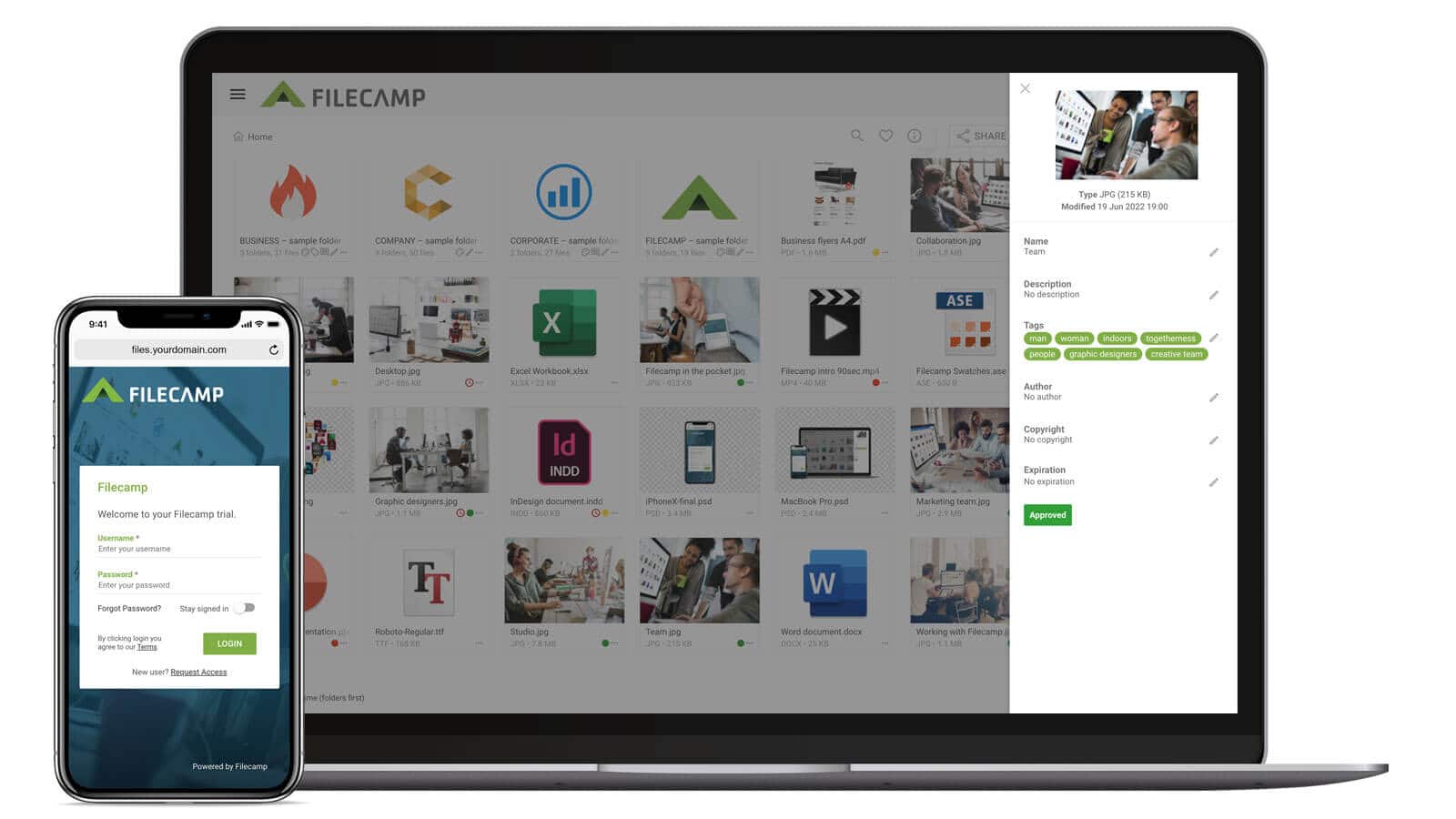
- Finding files. Search across names, descriptions and tags, with filters for type, label and date. Filecamp adds AI tags to images on the Advanced and Professional plans.
- Previews. Photoshop, Illustrator, EPS and PDF files, camera raw files and video should open in the browser, so nobody needs the original application.
- Sharing outside the company. Links to a file, a folder or a collection that can expire, and a link people can use to send files to you.
- Who sees what. Roles and folder permissions, so a client sees their folder and nothing else.
- Your own look. Your logo and colours on every plan; a separate look per client on Advanced; your own web address on Professional.
- Getting in, and out. Drag folders into the browser, or connect the library as a drive (WebDAV). If you leave, download everything the same way. Filecamp keeps your files for at least four weeks after you cancel.
Which Filecamp plan fits a small business
| Plan | Per month | Storage | What it adds |
|---|---|---|---|
| Basic | $29 | 20 GB | The library itself: unlimited users, your branding, sharing links, permissions, search, labels, the activity log |
| Advanced | $59 | 50 GB | A separate look per client or brand, Pages for guidelines, collections, AI tags |
| Professional | $89 | 100 GB | Comments on files for approval, your own domain, access requests, AI tags on upload |
There is no free plan. The trial is 30 days on Professional, without a credit card. You can change plan or add storage at any time, and yearly billing costs the same as monthly.
What Filecamp does not do
No integrations with Adobe, Canva or Figma. No single sign-on and no public API yet; both are planned for the end of 2026. No password-protected links, and no approval workflows with stages, reminders or deadlines. Comments on files need the Professional plan. If any of those is a must today, a larger DAM is the better fit.
Questions small businesses ask
How long does it take to set up? A trial site is created when you sign up. From there it is uploading folders and inviting people; most of the work is deciding on folder names.
Can we move our files from Dropbox or Google Drive? Yes. Download them, then drag the folders into the browser, or connect Filecamp as a drive and copy them across.
Is it secure? Files are stored on Microsoft Azure in your region (Europe, the US or Asia-Pacific), every connection uses HTTPS, stored files are encrypted, and we back up all data daily and keep the backups for 30 days. Nothing is public unless you share it.
What if we grow? Add storage or change plan when you need to. Users are unlimited on every plan, so growth in people costs nothing.
What if we stop? Cancel at any time. Your files stay downloadable, and are kept for at least four weeks after you cancel.
Share this Post