Edit Folder

…folder description. Advanced settings: Banner – Click on the image field to upload a banner image. We recommend using a 3000 × 600 px well-compressed .jpg image. Read more. Vanity URL – replace the secure and encrypted default folder name with a text of your own choice. Here is an example: Default folder URL: “https://files.company.com/hdDj9MIrkgoDSHPv” User-defined folder vanity URL: “https://files.company.com/imagebank” Theme – choose another Theme if you do not want to use the default Theme. Read more. Page – select…

Photo organizing software

…easily review images and pdf files online. Leave annotations and markers directly on the image and approve or reject images without having to download them. Read more. Your own custom terms Make specific folders public and link to them from your website. Add permission controls to other folders, or prompt your users to log in and agree to a customized license agreement before downloading your photos. Start my free trial No credit card required! IMAGES Create an online image gallery…

Professional Image Library

…others just want simple yet adaptable access rules. One-click send and share Send files, folders, and collections to colleagues, clients, and contributors without leaving your workspace. Invite comments and feedback, and hold collaborative conversations about your work within your media library. Custom download agreements Make specific folders public and link to them from your website. Add permission controls to other folders, or prompt your users to login and agree to a customized license agreement before downloading files. More features. Try…

Themes

…company logo. For best results, use a .png or .jpg file with no whitespace around it. Recommended height: 80px. Maximum width: 500px. Use a transparent .png if the logo is placed on a coloured header background. The logo will be displayed in the header. Favicon: Click the image field to upload a favicon. For best results, use a 32 × 32 px PNG file. Default folder icon: Choose how folder icons appear in this theme. You can change the default…

What is Digital Asset Management?

…business relies on pulling a wide variety of assets from multiple spaces every day, whether that’s documents, videos, and/or photos. Maybe you work with multiple clients, and each of them has rigorous branding standards while working on tight deadlines… …and you’re using some combination of Google Drive and/or Dropbox to organize all your client assets into separate folders. It’s understandable. In today’s economic landscape, it’s safe to say that most businesses rely on bootstrapping, in one form or another, to…

WebDAV

WebDAV WebDAV (similar to FTP) is commonly used by designers, photographers and other creatives to share large files. WebDAV Access Information Enter Admin > WebDAV to see your account WebDAV access information. For security reasons your WebDAV password is always hidden. But you can click the Update Password button to see (and change!) your WebDAV password. WebDAV Access With WebDAV HTTPS you can easily and securely access your Filecamp instance. Launch an FTP application (such as Cyberduck, Transmit, or FileZilla…

Features

…whole new level. Learn more. Keywords/Tags Read, write and edit metadata for most types of digital media files without having to leave Filecamp. Learn more. Pages Create custom pages using the built-in WYSIWYG editor and have these pages appear in the main navigation. Learn more. Security Filecamp servers are located in a secure data center with 24/7 surveillance. We use the secure HTTPS protocol for all file transfers. Learn more. Request file links Receive files and folders – big or…

Online Proofing & Approval

…also invite external partners to comment and approve content through a secure email link. Send invites to external partners Invite external partners to approve content through a secure email link. The recipients are directed to a secure page displaying the approval content. Self-Register Recipients can review the content and register themselves if they need to add comments to the artwork. This allows external stakeholders to review, comment or markup files online, just like internal stakeholders. Automatic email notifications All stakeholders…

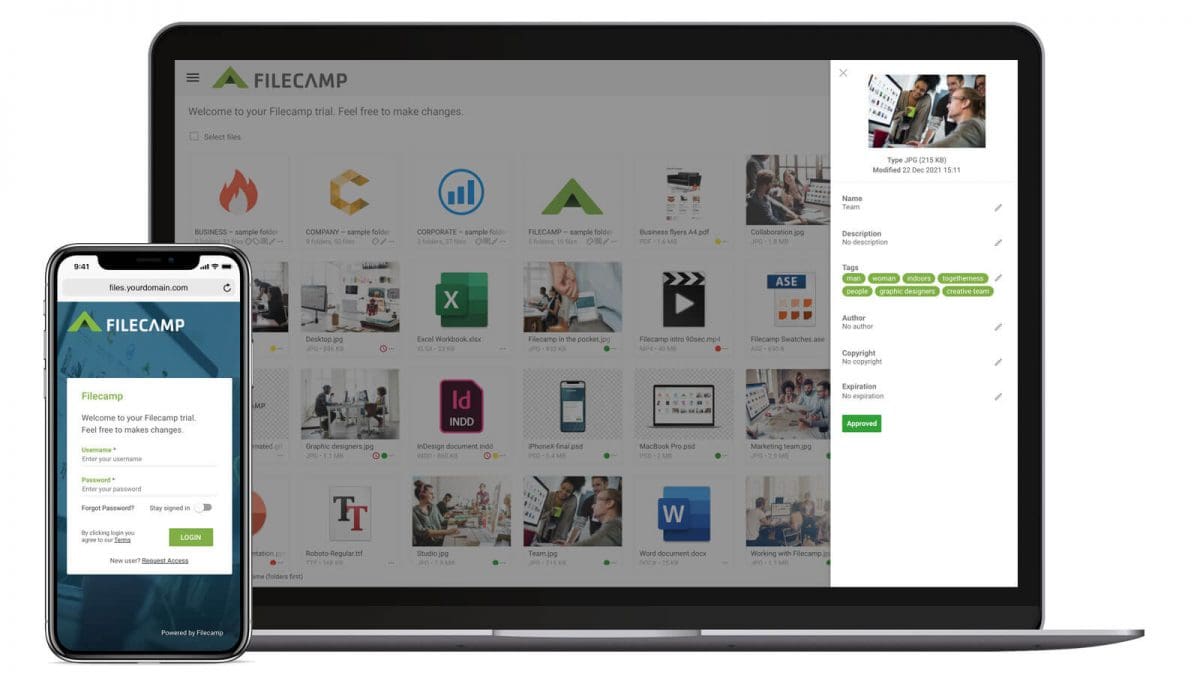
Screenshot of Filecamp cloud storage platform on desktop and mobile devices.

Dropbox Business Alternative

…no extra cost. Filecamp vs. ShareFile – the moment of truth Filecamp Starting at $29/month (unlimited users) Try now Dropbox Business Starting at $36/month (3 users) Unlimited users Granular access Share file links Share folder links Multiple themes Keywords/Tags Search for file names/tags/keywords Only file names. Embedded metadata (XMP) Watermarks Request file links Pages (WYSIWYG editor) Auto tags Labels White label Custom thumbnails Lowres download …

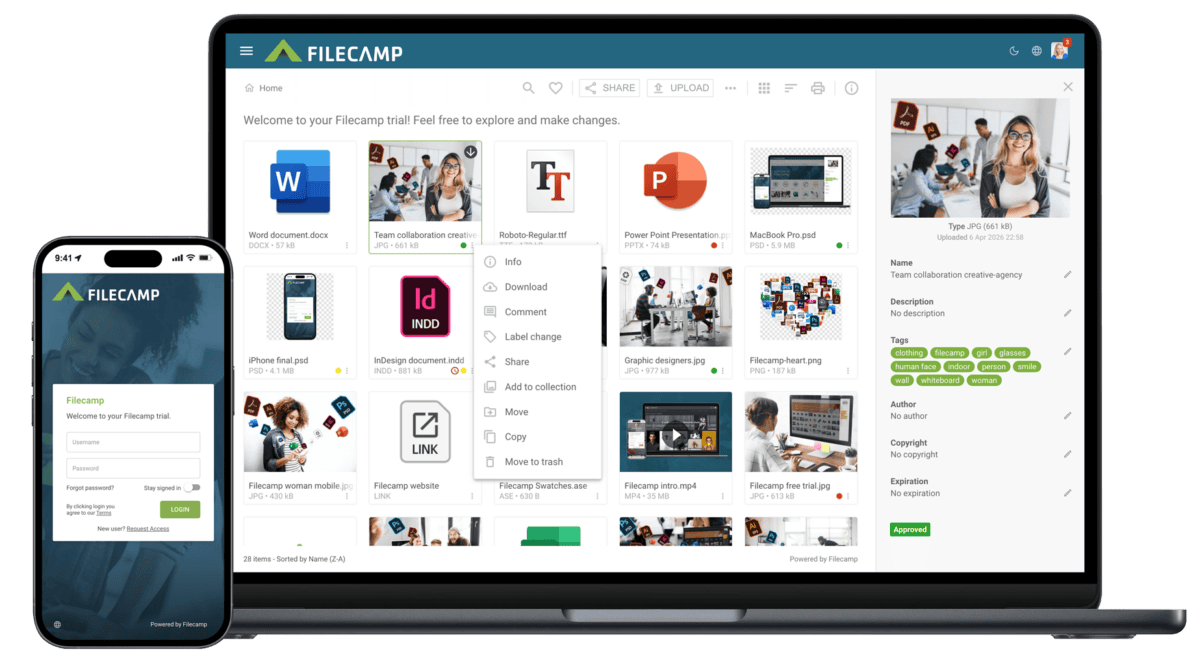
Screenshot of Filecamp cloud storage platform on desktop and mobile devices.

OneDrive Alternative

…success. You’ll rarely need us, but when you do, we’ll be there. Filecamp vs. OneDrive See what Filecamp provides in each feature category, so you can decide if you want to  save money while enjoying more features. Filecamp vs. OneDrive – the moment of truth Filecamp Starting at $29/month (unlimited users) Try now OneDrive Starting at $50/month(5 users) Unlimited users Granular access Share file links Share folder links Multiple themes View & edit MS…

Screenshot of Filecamp cloud storage platform on desktop and mobile devices.

Google Drive Alternative

…pay more for less? With Filecamp, you can enjoy world-class DAM without breaking the bank. Filecamp vs. Google Drive – the moment of truth Filecamp Starting at $29/month (unlimited users) Try now Google Drive Starting at $6/month(1 user) Try now Unlimited users Edit documents online Granular access Share file links Share folder links Custom branding Multiple themes Keywords/Tags Search for file names/tags/keywords Only file names. Embedded metadata (XMP) Watermarks Request…

Screenshot of Filecamp cloud storage platform on desktop and mobile devices.

Extensis Portfolio alternative

…$29/month Try now Extensis Portfolio $2199.00 / one-time / user No free trial Unlimited users Granular access Share file links Share folder links Web-Based, Cloud, SaaS On premise (own server required) Multiple themes Keywords/Tags Search for file names/tags/keywords Embedded metadata (XMP) Watermarks Request file links Pages (WYSIWYG editor) Auto tags (smart keywords) Labels White label Custom thumbnails Lowres download Commenting & markers …