
Brand Portal
Share logos, guidelines, images and video with employees, agencies and partners from one branded portal, even on your own domain. Unlimited users on every plan, from $29 a month.

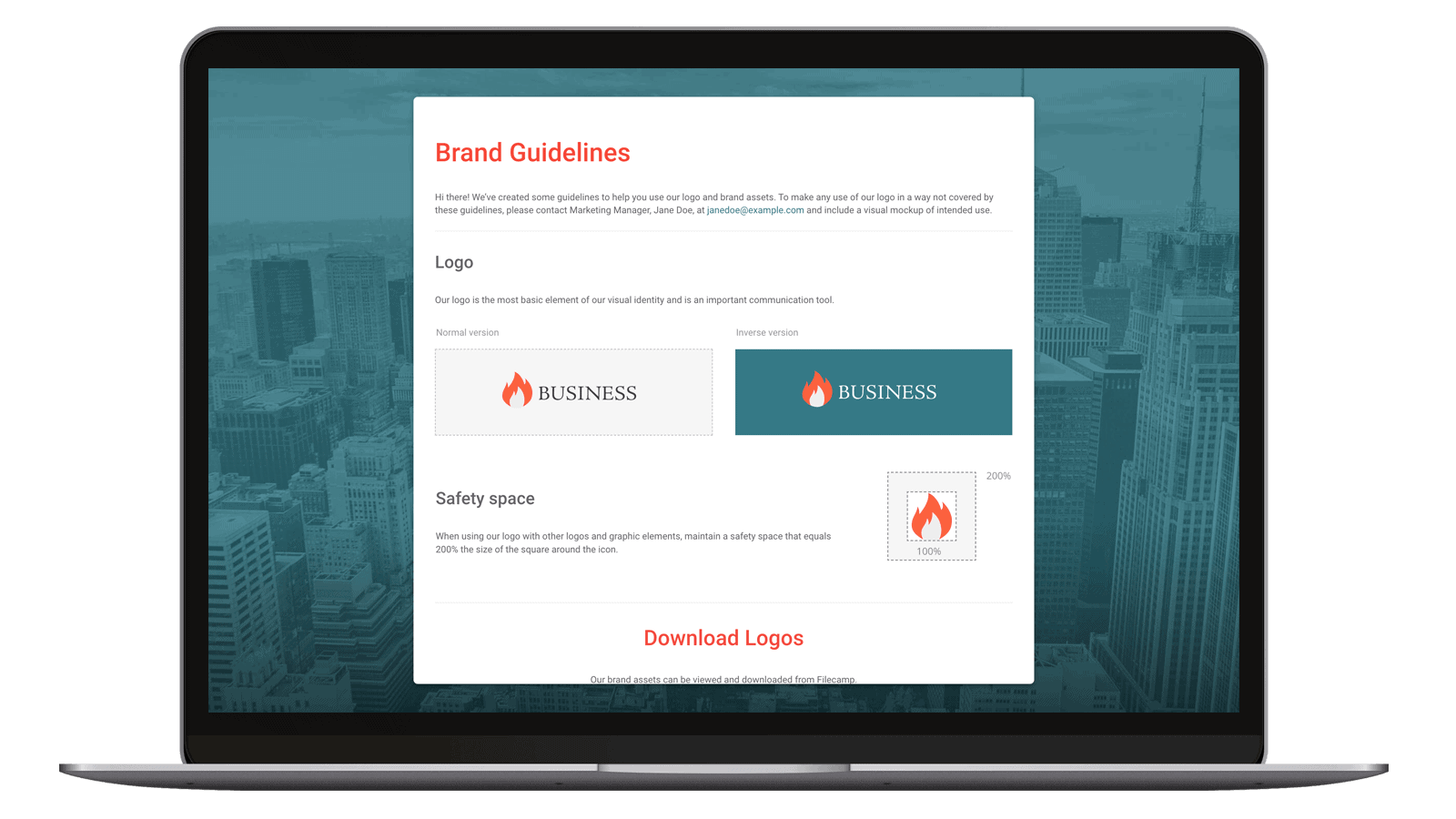
Go online with your brand manual!
Your brand is strongest when it’s true to your company identity, consistent, visible, and up-to-date.
With Filecamp you can manage, store and share your brand related assets and guidelines in an easy and secure way. Gone are the days of emailing company logos, typeface, images, and printing your company brand guidelines. With an online brand portal, your colleagues and stakeholders will always have instant access to the latest assets and guidelines.
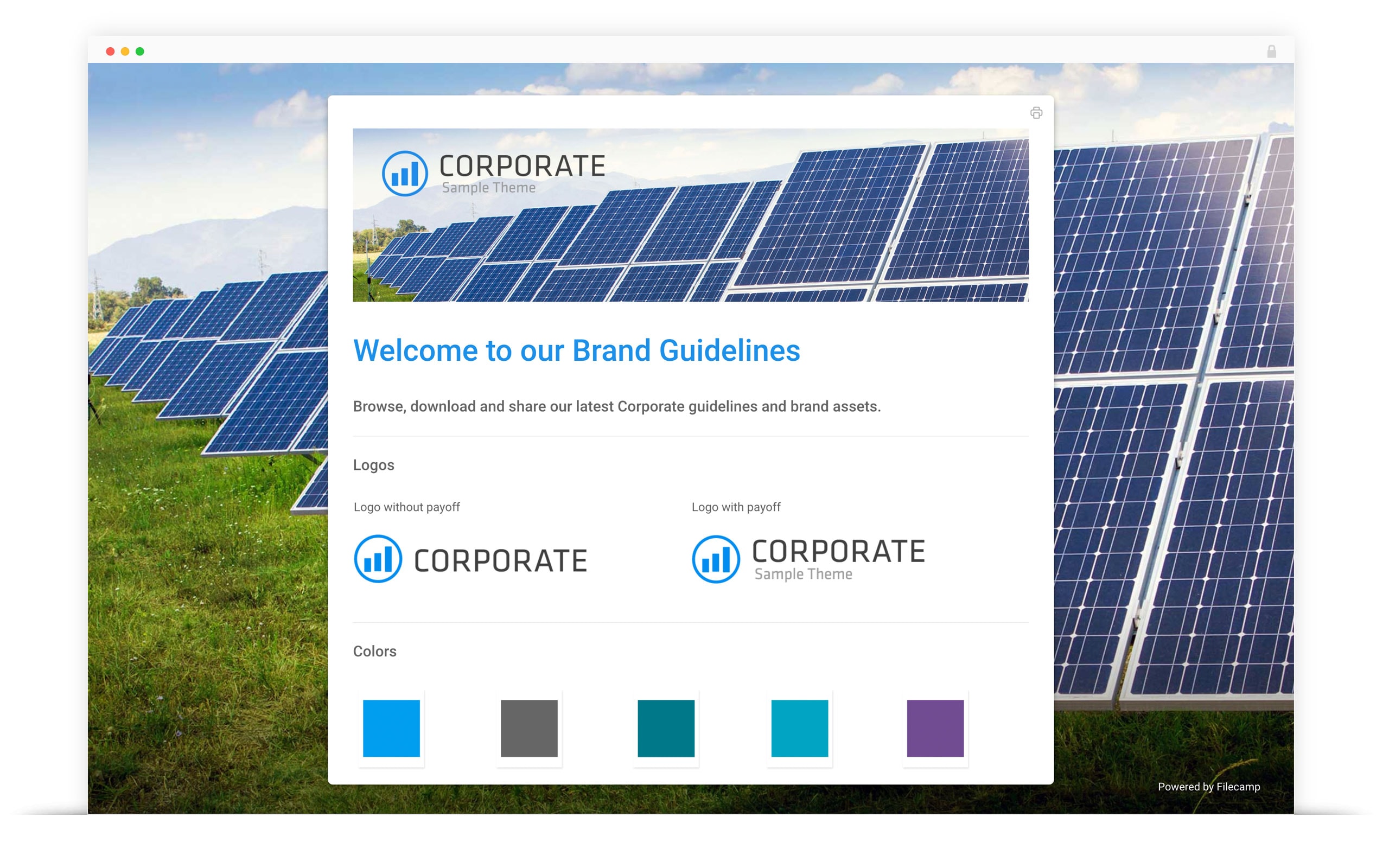
Equip your global teams with always up-to-date brand material!
Filecamp Brand Portal allows you to customize the interface with your brand logo and easily distribute your brand assets and brand guidelines.
Benefits

Multiple themes
Manage several brands or clients from one Filecamp account, each with its own logo, colours and login page (Advanced and Professional plans).
Guideline pages
Write brand guidelines and welcome pages in the built-in editor, show them in the portal’s menu, or share them with a link (Advanced and Professional plans).
Share files and folders
Filecamp lets your team share files inside and outside your organization through their favorite access methods. Trusted users can monitor and manage access for other users.
Advanced download
Filecamp provides a lot of flexibility when downloading your brand assets. Download the original file or, for images, a ready-made web-friendly version up to 3,000 pixels wide, without opening an image editor.
DAM system
Benefit from Filecamp’s digital asset management features: manage, control and share your brand assets from one secure platform in the cloud.
Keywords & Tags
With tags, you can easily categorize your files with keywords that describe the file. This ensures that you can find those files again easily no matter where you save them.
Ensure Brand Consistency
Filecamp is a 100% cloud-based solution, and comes with unlimited users, advanced granular sharing permissions, file previews and mobile ready user interface.
Online Brand Portal
Filecamp is a cloud based Digital Asset Management (DAM) solution that enables you to transform your digital library into logical order. Filecamp makes it easy to organize and search thousands of rich media files.
You don’t need a degree in IT
Filecamp is a powerful cloud based brand portal where you can easily control with a familiar file and folder interface. Available 24/7 via a web browser on PC or Mac, there’s no software to install and there’s no training needed to get started.
Be proud sharing
With a few simple clicks, you can easily share files from your brand portal. Whether it’s internal teams or external collaborators, everyone can access the brand related files they need from a beautiful interface that showcases your brand.
Room to grow
When your business grows, Filecamp grows with you. Built on core HTTPS technology, Filecamp is a secure and scalable cloud based solution. You can easily upgrade the storage to meet your needs at any time.
Find the files you need fast
Filecamp includes a powerful search feature that quickly locates files. Whether you’re looking for an image, video, or a PDF document, you can find what you need … and fast.
Custom branding for the win
When partners and the press access your brand assets, it helps to have a custom brand portal. Filecamp includes custom branding so you can share files and present your company in a professional manner.
Broad file support
From simple Word documents and PowerPoint presentations to rich graphics and media files, Filecamp supports them all. Quickly upload and share files and enjoy visual previews of formats such as Adobe Illustrator, right on your Filecamp.
Safe and secure
Built on rock solid HTTPS technology, Filecamp is secure storage for your digital assets. With easy permissions, you can grant access to only the files and folders each person needs.
Save time, increase productivity
Filecamp has a simple and beautiful interface that makes finding and sharing your brand assets a breeze. If you enjoy reading thick manuals, this probably isn’t for you. Jokes aside, Filecamp saves you time and money.
What is a brand portal?
A brand portal is a website where a company keeps its approved brand assets, such as logos, fonts, colour codes, photos, video and brand guidelines, so that employees, agencies, partners and press can find and download the right version themselves. It replaces emailing logo files, digging through shared drives and answering the same request for the high-resolution logo every week.
Brand portal vs DAM
A digital asset management (DAM) system is where a team stores, organises and works on all its files: drafts, versions, tags and approvals. A brand portal is the front door to the finished, approved part of that library, presented in the company’s own branding for people outside the core team. Most brand portals run on a DAM, and in Filecamp they are the same account: you decide which folders each group sees and how the portal looks.
What goes into a brand portal
- Logos in every approved format and colour version
- Brand guidelines, as a web page or a PDF
- Fonts, colour codes and templates
- Product and people photography, video and b-roll
- Press kits, presentations and campaign material
Who uses it, and how they get in
Most portals serve three groups, and each gets a different kind of access in Filecamp:
- Employees and regular agencies get their own login. Roles and permission sets decide which folders they see and whether they can only view, download or also upload. Every plan includes unlimited users, so adding a whole sales team or ten agencies does not change the price.
- Partners, resellers and press who only need a few files get a share link: no account needed, view only or view and download, expiring after a week, a month, three or six months, or never.
- People you do not know yet, such as new distributors, can request access from your login page with a short form you design. You approve each request and choose what they see (Professional plan).
Share links cannot be password-protected. Anything that must stay private goes through user accounts.
Your own branding, and your own domain
A brand portal should look like your brand, not like the software behind it. In Filecamp a theme sets the logo, colours, favicon, login page image and welcome text, and the same branding appears on shared pages and in email notifications. On the Advanced and Professional plans you can create several themes, one per brand, product line or client, and give each its own folders, so every group lands in a portal with the right branding.
On the Professional plan the portal runs on your own domain, such as brand.yourcompany.com, with an SSL certificate issued automatically, and the footer shows “Powered by” your company name instead of Filecamp. That is what most people mean by a white-label brand portal. Notification emails still come from a neutral sending address rather than your own domain.
Brand guidelines that stay current
Guidelines work best as a page people read online, not a PDF that goes out of date the day it is sent. Filecamp’s Pages (Advanced and Professional plans) are rich-text pages with headings, tables, images and video from your library, and links to the exact logo files. A page can sit in the portal’s menu, open when someone enters a folder, or be shared with a link. There is no dedicated guidelines builder with design tokens; on the Basic plan, a PDF in a folder does the job.
Finding and downloading the right file
People find files through folders, or search names, descriptions, tags, author and copyright, with filters for file type, label and date. Tags can be added by hand, read from the files’ own metadata, or suggested by AI for images (Advanced and Professional). Downloads are the original file or, for images, a ready-made web-friendly version up to 3,000 pixels, and the activity log shows who downloaded what, including downloads from share links. Files can carry an expiry date, so an outdated campaign image is marked as expired or moved to the trash automatically.
Setting one up
- Create folders for what you share: logos, guidelines, photography, campaigns.
- Upload the approved files and tag them.
- Create a theme with your logo, colours and login page.
- Add users to roles, or create share links for people without an account.
- On Professional, point your own domain at Filecamp.
No developers are needed and there is nothing to install.
What a brand portal costs
Most brand portal vendors publish no price. Where a price is published, a custom domain usually sits in the upper tiers: Brandkit’s Pro edition, which adds one, starts at $6,000 a year. Filecamp publishes three plans, each with unlimited users:
| Plan | Price | Storage | For a brand portal |
|---|---|---|---|
| Basic | $29/month | 20 GB | One theme, share links, roles |
| Advanced | $59/month | 50 GB | Adds several themes, guideline Pages and collections |
| Professional | $89/month | 100 GB | Adds your own domain, your name in the footer, access requests and comments |
What Filecamp does not do
No single sign-on, and no public API yet (planned for the end of 2026). No integrations with Canva, Adobe or Figma, no template editor for producing branded material, no analytics dashboard beyond the activity log, and no password-protected links. If those are central to your portal, an enterprise vendor such as Frontify or Bynder will fit better, at a quoted price.
Questions people ask
Can partners download files without an account?
Yes. A share link opens a branded page where they can view or download, with no login.
Can I run separate portals for several brands or clients?
Yes, on Advanced and Professional: each brand or client gets its own theme and folders, and each user only sees the folders their role allows.
Can the portal run on our own domain without Filecamp branding?
Yes, on Professional: your domain with SSL included, and your company name in the footer.
Can a portal be public or private?
Both. Share links make selected folders public to anyone with the link; everything else needs a login. Links cannot carry a password.
How much does it cost?
From $29 a month with unlimited users. A portal on your own domain is $89 a month.


