
…from your brand portal. Whether it’s internal teams or external collaborators, everyone can access the brand related files they need from a beautiful interface that showcases your brand. Room to grow When your business grows, Filecamp grows with you. Built on core HTTPS technology, Filecamp is a secure and scalable cloud based solution. You can easily upgrade the storage to meet your needs at any time. Find the files you need fast Filecamp includes a powerful search feature that quickly…
Share folder (without login)
…or a text of your own choice. Here is an example: Default share folder URL: “https://files.company.com/s/o/z68FV3rkltUKyWoI” Vanity share folder URL: “https://files.company.com/s/o/imagebank” Related articles Folders Create folder Edit folder Permissions Copy or move Delete Upload folder Share folder links Request files links Custom thumbnails Banners Embed via iFrame VIDEO SHARE FOLDER LINKS How to share a folder through a shared link, and what the recipients see. More videos Notice: Only users with permission to share files & folders can share…
White Label
White Label Use Filecamp’s white label options to resell Filecamp or to enjoy a DAM where your brand will be 100% in focus. White Label features Filecamp has many custom branding features, and with the Filecamp Pro plan, you are issued a vendor-neutral platform from which all references to Filecamp can be removed. Here are some features that help you white label your Filecamp: Logo, colors, and login background image (All plans) Administrator user-role (All plans) Message templates (All plans)…
White Label
Powered by … YOU! Replace the “Powered by Filecamp” with your own text. Use your own, or your customers, domain e.g. https://files.yourdomain.com. We manage and maintain the SSL certificate so there is nothing for you to worry about. YOU are in control Filecamps Administrator user role is designed especially for white label and reseller purposes. You can give your customers access to their entire account, also advanced admin settings (only excepted the few vital areas where Filecamp is mentioned). YOUR…
Photo organizing software
…Photoshop, right on your Filecamp. Safe and secure Built on rock solid HTTPS technology, Filecamp is secure storage for your digital assets. With easy permissions, you can grant access to only the files and folders each person needs. Save time, increase productivity Filecamp has a simple and beautiful interface that makes finding and sharing your company photos a breeze. If you enjoy reading thick manuals, this probably isn’t for you. All jokes aside, Filecamp saves you time and money because…
Domain Settings
…to change DNS records. The option might be called something like DNS Management, Name Server Management, or Advanced Settings. 2. Create a new C-NAME record Point the CNAME record from your subdomain (shown in the Hostname field in the example below) to your Filecamp subdomain (shown in the Target field). The UI and terminology may vary depending on your registrar, but the concepts are the same. 3. Check the C-NAME record You can check your CNAME record using an online…
Glossary
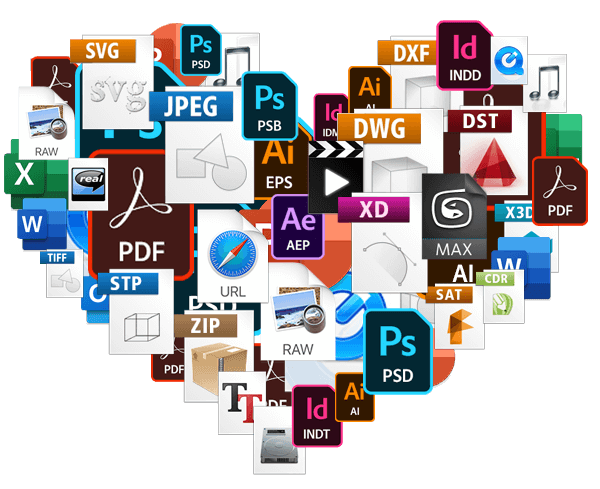
…to audio, videos, images, HTML, and other bespoke file types such as CAD, InDesign, Photoshop, Illustrator, and more. Asset Management The term ‘Asset Management’ when taken in isolation can be confused with Digital Asset Management. In general, it relates to the management of physical objects, locations, or items of value and can include: Equities (stocks) Fixed-income and debt (bonds) Money market and cash equivalents Real estate and tangible assets Digital Asset Management and derivative terms like Brand Asset Management usually…
Release notes
Filecamp Release Notes If you’re curious about what’s new in Filecamp — and what’s changed — you’re in the right place. We hope the updates you’ll read below make it easier for your team to share files and collaborate with your clients and partners. ✨ May 5, 2026 Bug fixes Advanced search settings below folders now work again. Read more. Improved how custom folder thumbnails are displayed, so folder images in different dimensions are no longer cropped. Read more. Fixed…
Users
…folder settings – permission to view and edit the advanced folder settings. Read more. Trash access – permission to view and restore deleted items. Read more. Manage users – permission to manage users including their permissions. Read more. Log access – permission to view all log entries and keep track of all activity in your account. Read more. Manage themes – permission to customize your account to reflect your company or your clients brands. Read more. Manage labels – permission…
Collections
…preview page where the content of the Collection can be previewed and downloaded. Example Use Cases You can add images and other files from different folders to a Collection so you can email your agency a link to download all the items. You often need to provide referenceable customers, so you create a Collection of customer logos for easy access and sharing. All accounts start with a 30-day free Filecamp Pro trial. Start my free trial No credit card required!…
Using labels
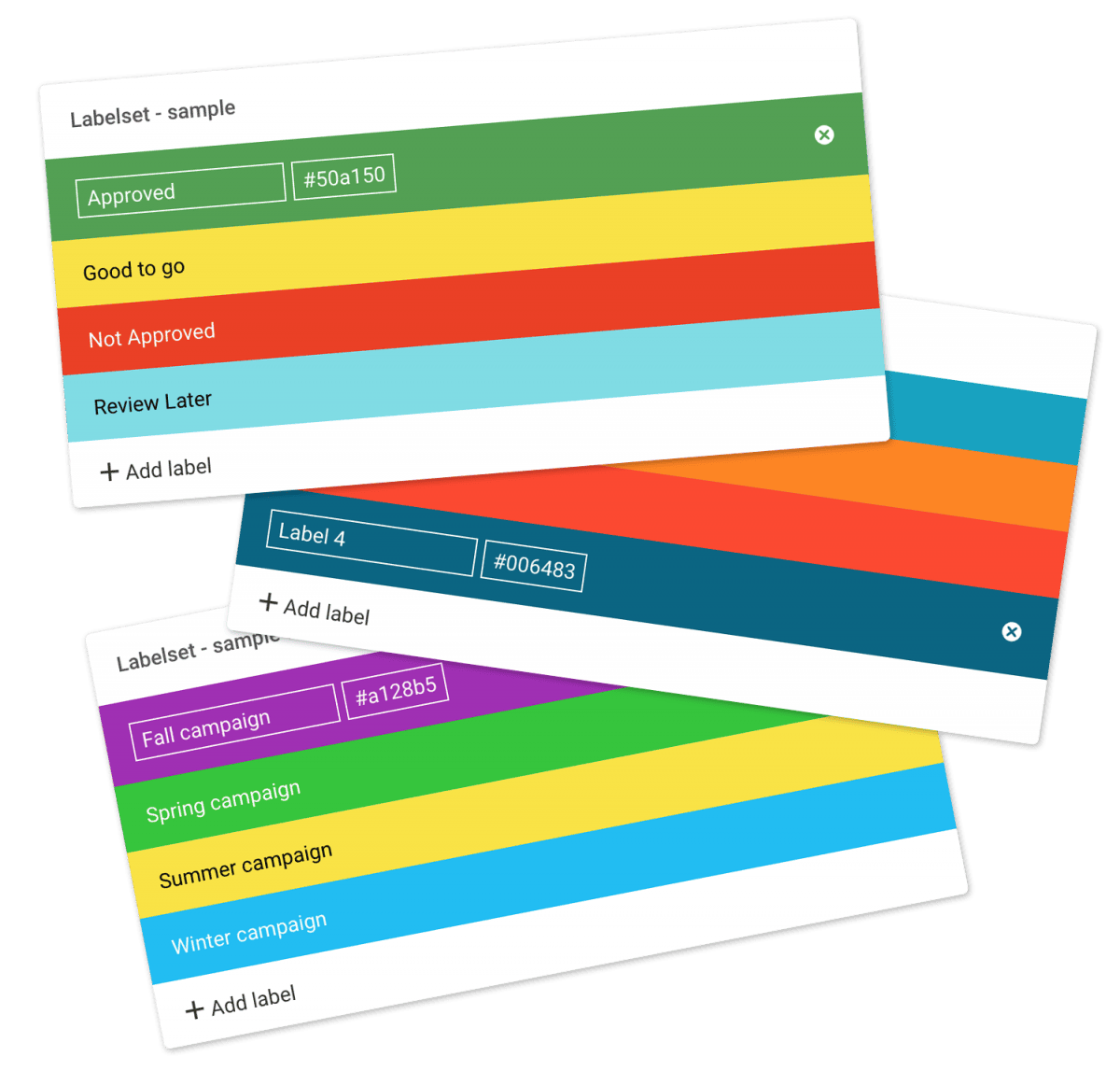
…folders Select all files or folders you want. Then click the Label change icon in the Bulk Action Bar. Choose the label you want to assign to the items selected in the pop-up window. OBS: Administrators and users with permission to “Manage labels” can edit and create new Label sets in Admin > Labels. And the same users can turn Labels and Label changes on and off on folder level in the Edit Folder menu. Tip: Remember to turn on…
Delete files or folders
…types Version control Expiration Metadata Tags Auto tags Custom thumbnails Folders Create folder Edit folder Permissions Copy or move Delete Folder upload Share folder links Request files links Custom thumbnails Notice: Administrators and users with the “Move files & folders to trash” permission can delete files and folders. (If you’re unsure about your permissions, please contact your Filecamp admin.) Notice: When you “delete” items, they’re not actually deleted; they are moved to the Trash, from where you can recover them. …