
…and communication teams, cloud is simpler and cheaper. The long version: cloud-based vs on-premises DAM. Where your files live, and how they are protected Microsoft Azure. Filecamp stores all files on Microsoft Azure, in the region for your country: Europe, the US or Asia-Pacific. Encrypted. Every connection uses HTTPS, and Azure encrypts stored files with 256-bit AES. Backed up. On top of Azure’s own redundancy, we back up all data every day and keep the backups for 30 days. Certified…
WebDAV
WebDAV WebDAV (similar to FTP) is commonly used by designers, photographers and other creatives to share large files. WebDAV Access Information Enter Admin > WebDAV to see your account WebDAV access information. For security reasons your WebDAV password is always hidden. But you can click the Update Password button to see (and change!) your WebDAV password. WebDAV Access With WebDAV HTTPS you can easily and securely access your Filecamp instance. Launch an FTP application (such as Cyberduck, Transmit, or FileZilla…
FTP Alternative
…to specific files and folders. Secure FTP Alternative Based on core HTTPS technology, Filecamp is a highly secure and efficient file sharing and collaboration platform. Build your brand Custom branding features let you share files and collaborate with clients and partners while reinforcing your brand! 100% cloud based Filecamp is a cloud based FTP alternative. You can access and manage all your files through a web browser on PC or Mac. Highly scalable Filecamp gives you the features you need…
Brand Portal
…you can easily share files from your brand portal. Whether it’s internal teams or external collaborators, everyone can access the brand related files they need from a beautiful interface that showcases your brand. Room to grow When your business grows, Filecamp grows with you. Built on core HTTPS technology, Filecamp is a secure and scalable cloud based solution. You can easily upgrade the storage to meet your needs at any time. Find the files you need fast Filecamp includes a…
Edit Folder
…folder description. Advanced settings Banner – click the image field to upload a banner image. We recommend using a well-compressed 3000 × 600 px .jpg image. Read more. Vanity URL – replace the secure and encrypted default folder URL with a name of your own choice. For example: Default folder URL: “https://files.company.com/hdDj9MIrkgoDSHPv” User-defined folder vanity URL: “https://files.company.com/imagebank” Theme – choose another Theme if you do not want to use the default Theme. Read more. Page – select a Page if…
Share file links
…HIGHLIGHT Vanity URL With Vanity URLs, you can replace the automatically generated text string in a share URL with the file name or text of your choice. Click the pencil icon next to the share link to edit it. Here is an example: Default share file URL: https://files.company.com/s/d/z68FV3rkltUKyWoI Vanity share file URL: https://files.company.com/s/d/my_cool_file Notice: Enable Save as default message to reuse your message as a template for future share emails. The template is saved locally in your browser. This is…
Share folder (without login)
…string in a share URL with the folder name or text of your choice. Click the pencil icon next to the share link to edit it. Here is an example: Default share folder URL: https://files.company.com/s/o/z68FV3rkltUKyWoI Vanity share folder URL: https://files.company.com/s/o/imagebank Related articles Folders Create folder Edit folder Permissions Copy or move Delete Upload folder Share folder links Request files links Custom thumbnails Banners Embed via iFrame VIDEO SHARE FOLDER LINKS How to share a folder through a shared link,…
White Label
Powered by … YOU! Replace the “Powered by Filecamp” with your own text. Use your own, or your customers, domain e.g. https://files.yourdomain.com. We manage and maintain the SSL certificate so there is nothing for you to worry about. YOU are in control Filecamps Administrator user role is designed especially for white label and reseller purposes. You can give your customers access to their entire account, also advanced admin settings (only excepted the few vital areas where Filecamp is mentioned). YOUR…
White Label
…will then add your custom domain to the list of approved domains in our Page editor. Login page See below which aspects of the login page you can customize: Favicon and page title Own secure https URL Login logo Login body background color Login page background image Your own custom Terms or copyright notice Secondary color (buttons etc.) White Label text Login description Login logo background color Your own custom fields for access requests. Interface See below which aspects of…
Domain Settings
Domain Settings Change your Filecamp subdomain or use a custom domain name with your Filecamp Changing your Filecamp subdomain When you start a Filecamp Trial or plan, a secure and unique site name (Filecamp subdomain) is created for your account, ex. https://yourcompany.filecamp.com. However, you can change your site name. Changing your Site name: Login to your account as an Administrator. Go to Admin > Domain. Under Subdomain enter your new preferred site name. Click UPDATE DOMAIN SETTINGS. Log out, wait…
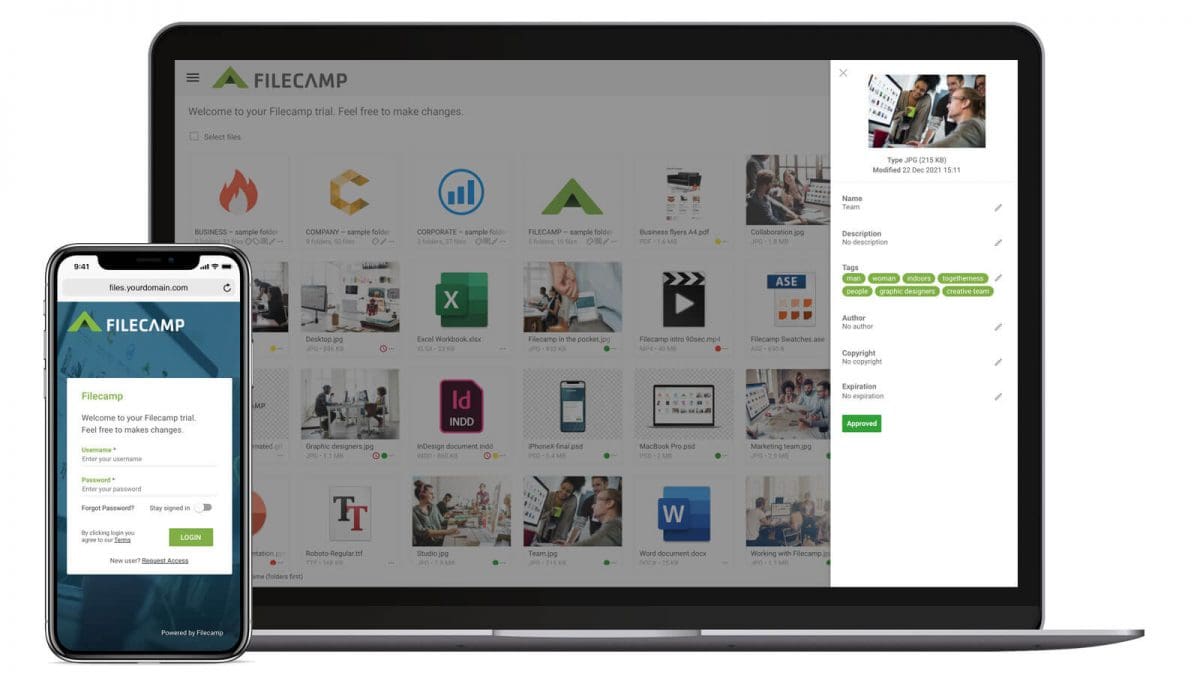
Free trial now
…public officials must keep security tight and files organised. With Filecamp, public organisations can increase collaboration and coordinate efforts with internal and external stakeholders while saving taxpayers money. Our DAM software uses Hypertext Transfer Protocol Secure (HTTPS), and your data will be hosted on Microsoft Azure in a data centre close to you. Filecamp is also fully GDPR compliant. Read more. All other Businesses Work and departments can become “siloed” within companies. Marketing and sales teams, for example, often struggle…
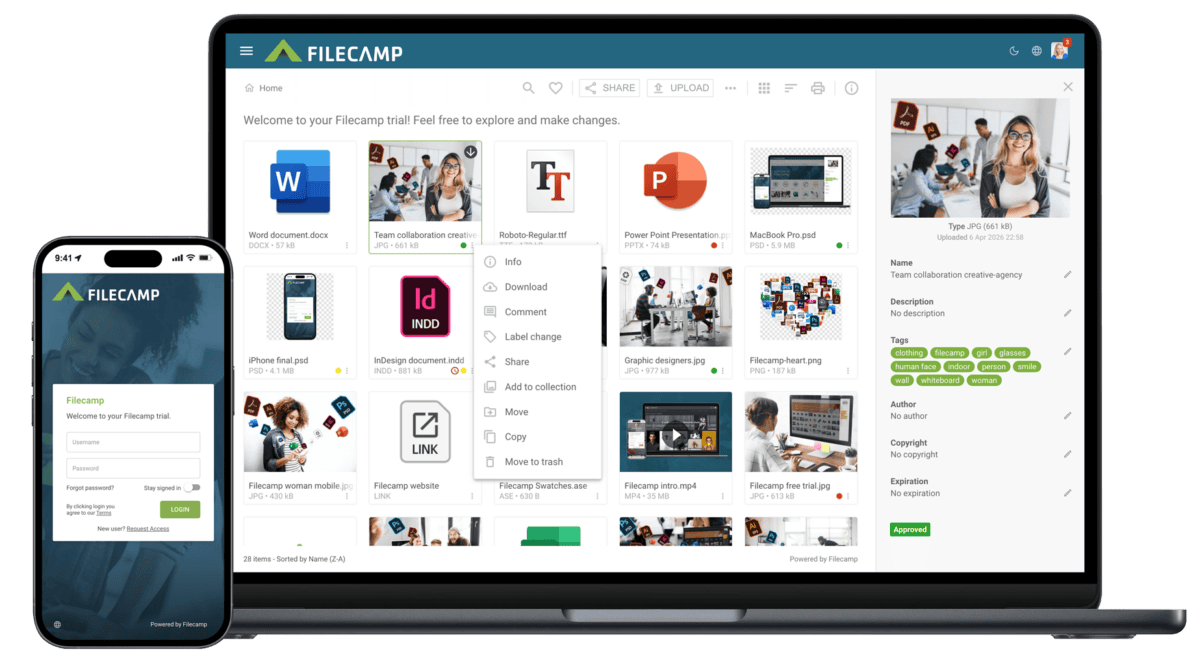
Bynder Alternative
…file names/tags/keywords Embedded metadata (XMP) Watermarks Request file links Pages (WYSIWYG editor, Advanced & Professional) Auto tags (automated tags) Labels White label (Professional) Custom thumbnails Lowres download Commenting & markers (Professional) Not markers. Activity log Trash feature Custom terms & conditions Branded login page Mobile ready/responsive UI Mobile app Version control Email notifications Personalized URL (e.g. https://dam.yourcompany.com) Brand guidelines Access…