
Pages
Create custom pages using the built-in WYSIWYG editor and have these pages appear in the main navigation.
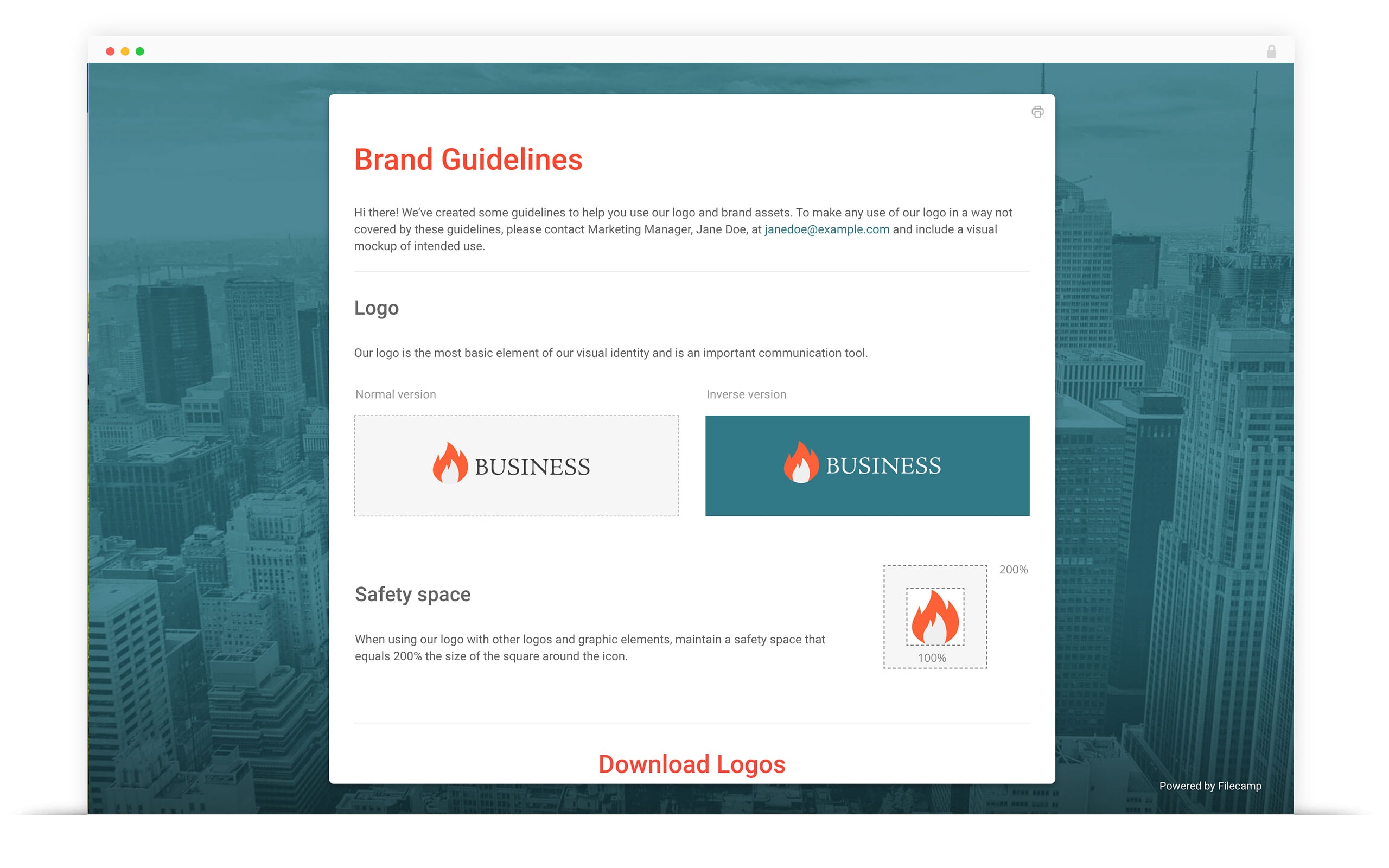
WYSIWYG Pages
Pages are often used to share brand guidelines, lists of important contacts, getting-started tips, user guides, usage terms, or anything else relevant to how you use Filecamp.
You can also add links to specific areas of your Filecamp account or external websites.
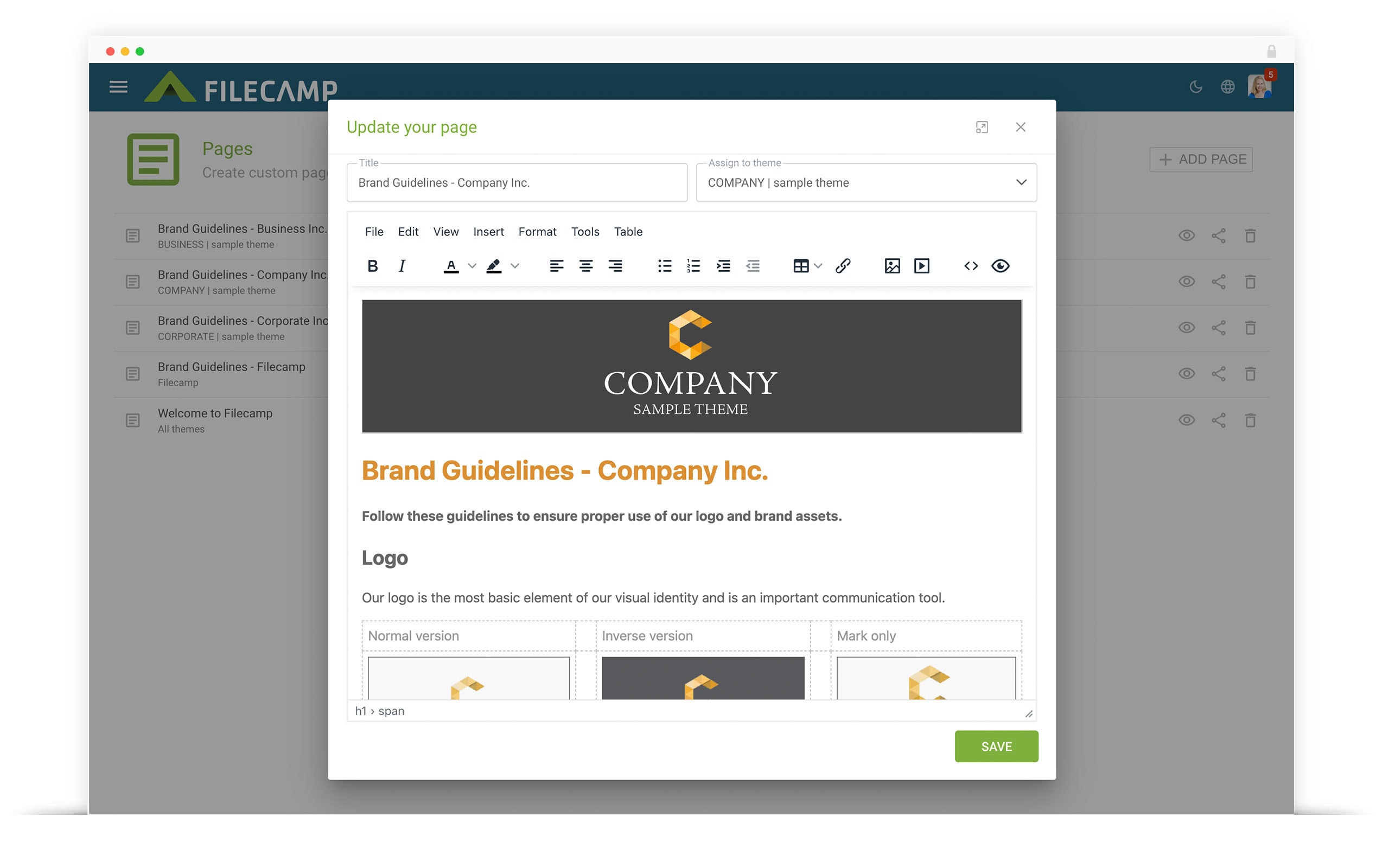
Pages are flexible and easy to use!
Filecamp’s Pages feature includes an easy-to-use WYSIWYG (What You See Is What You Get) editor, so you can create custom Pages without knowing HTML. If you do know HTML or already have an HTML layout you’d like to use, you can also work directly with the code.
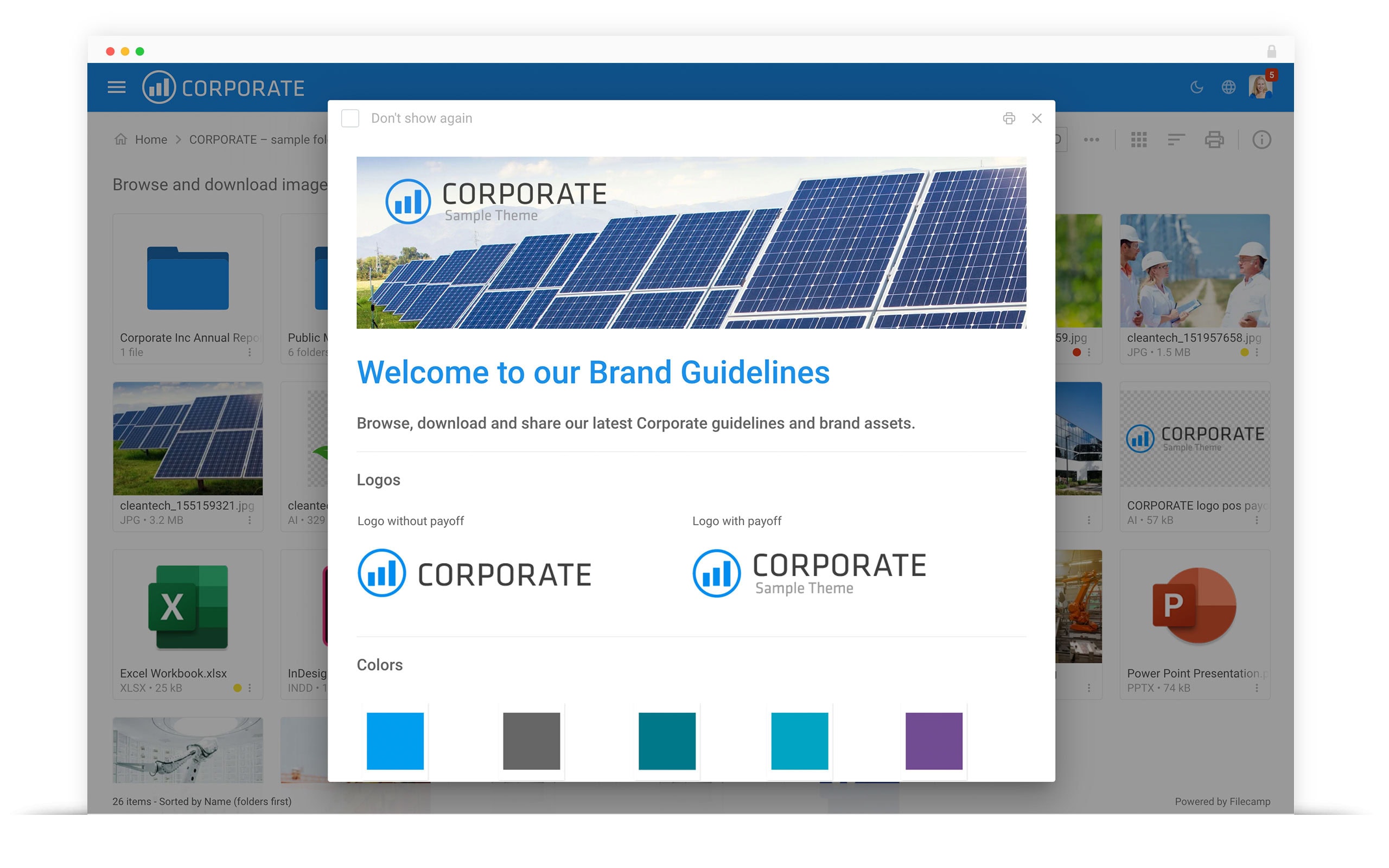
Assign Pages to folders
Put helpful information in context by assigning a Page to a specific folder. Users can access the Page while browsing the files it relates to, without having to search elsewhere in your account.
Use folder-specific Pages to explain what the files are for, provide instructions, or guide users toward the next step.
Pages – use cases
Pages is a super simple way to inform your users – about anything actually.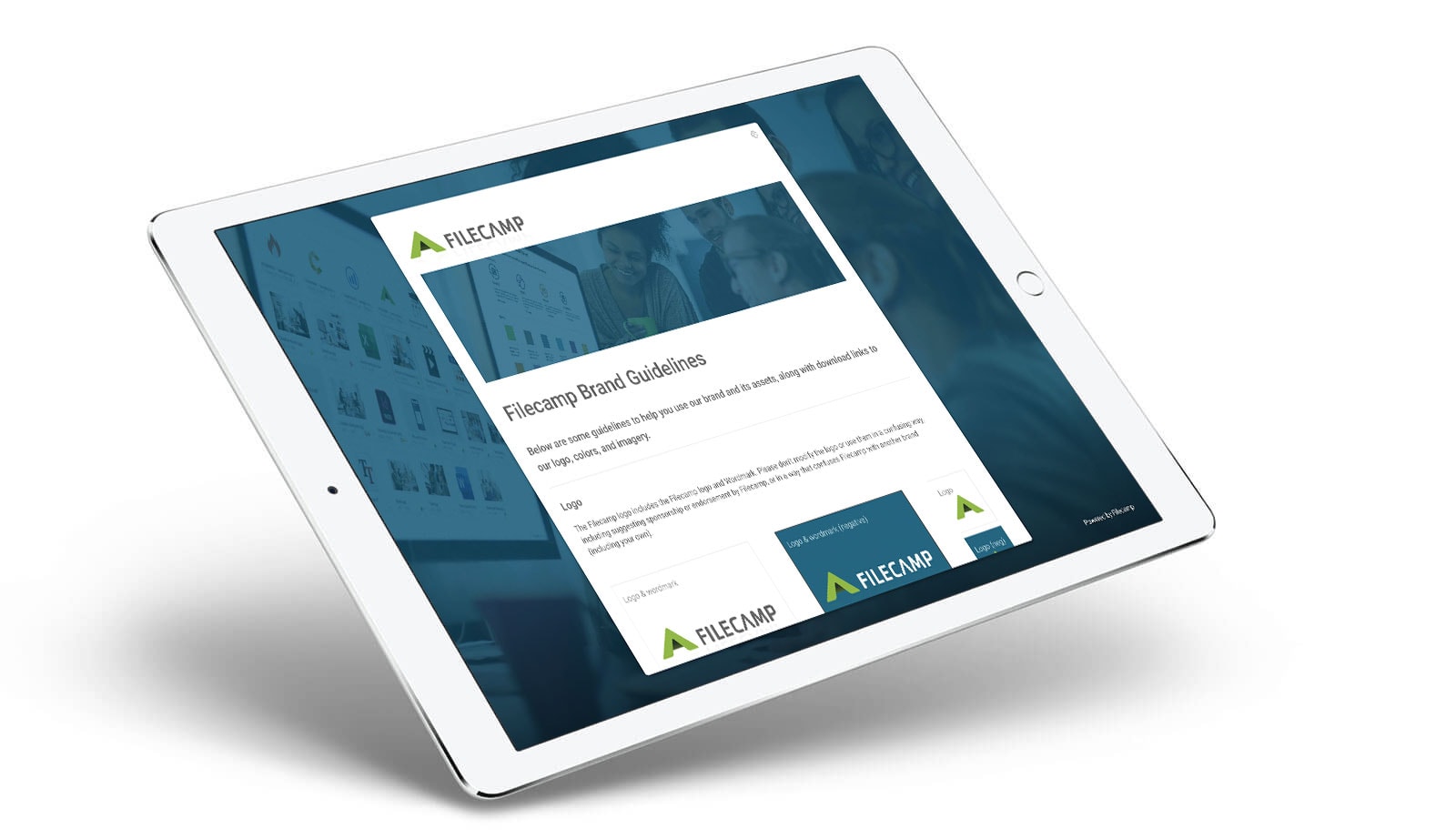
Online Brand Guidelines
Use Pages to create online brand guidelines explaining how your brand assets should be used. Add links to specific folders in your Filecamp account, making assets easy to find and download.
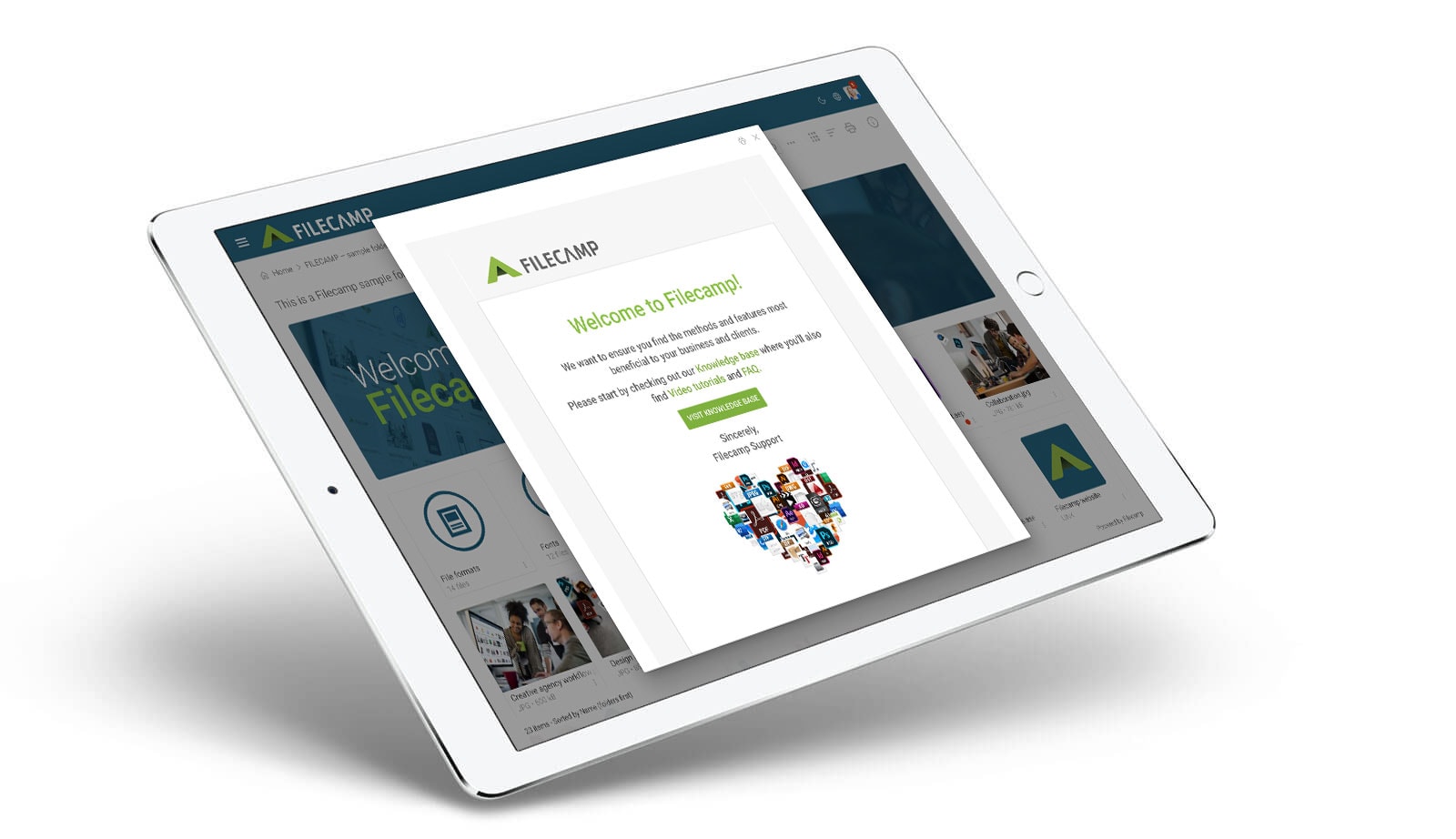
Online Help Guides
Use Pages to create custom help guides for your users. Add links to relevant areas and folders within your Filecamp account, making it easy for users to find what they need. Pages are created using a familiar, easy-to-use text editor similar to Microsoft Word.
Filecamp in your pocket
Filecamp is fully responsive, giving you access to your files from your phone or tablet. Keep your most-used brand assets close at hand and access them anytime, wherever you are.