
Looking for a lightweight, low-cost DAM solution?
See how Filecamp compares with enterprise DAM systems at 1/10 of the cost

See how Filecamp compares with most enterprise DAM solutions
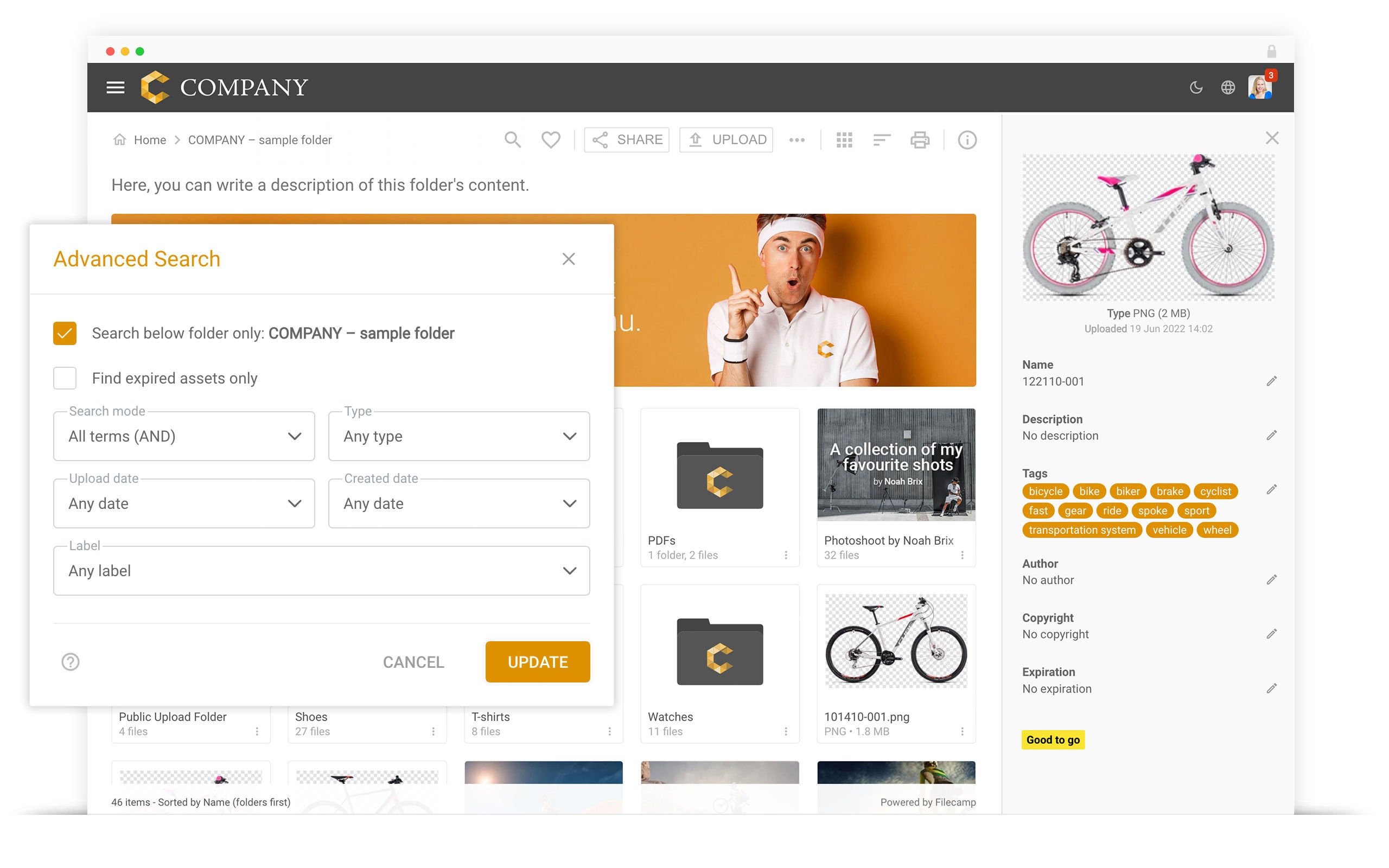
Search and Tagging
Filecamp makes assets easy to organize and find at 1/10 of the cost
- Assign multiple tags and labels to keep your assets organized and easy to find.
- Search by filename, tags, and folder name, then use advanced filters to narrow your results.
- Use AI to identify irrelevant tags, suggest better alternatives, and keep your assets consistently tagged.
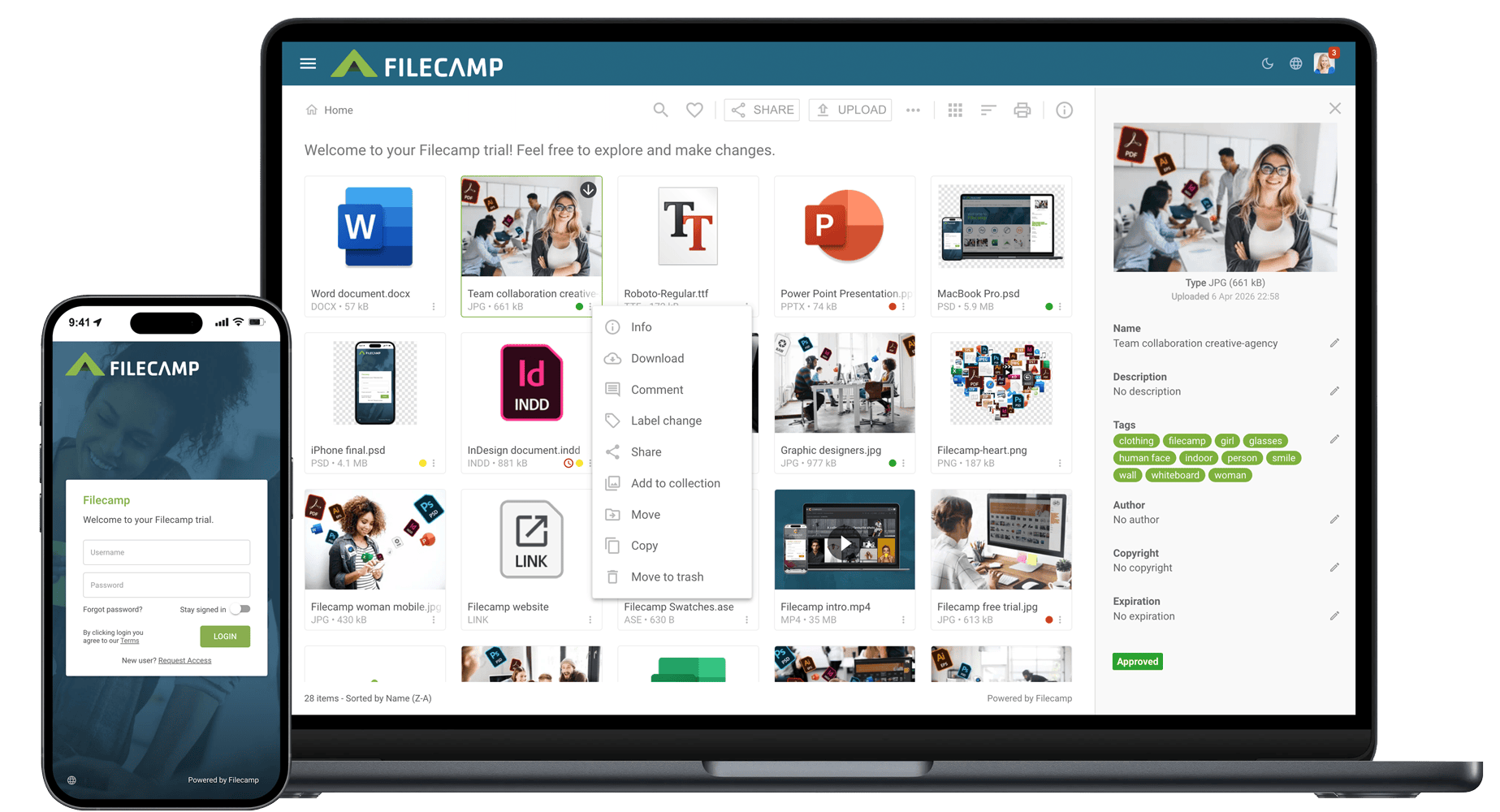
Folders and Collections
Filecamp gives you flexible ways to organize and share assets at 1/10 of the cost
- Organize files in a familiar folder structure.
- Add images to one or more Collections without duplicating the original files.
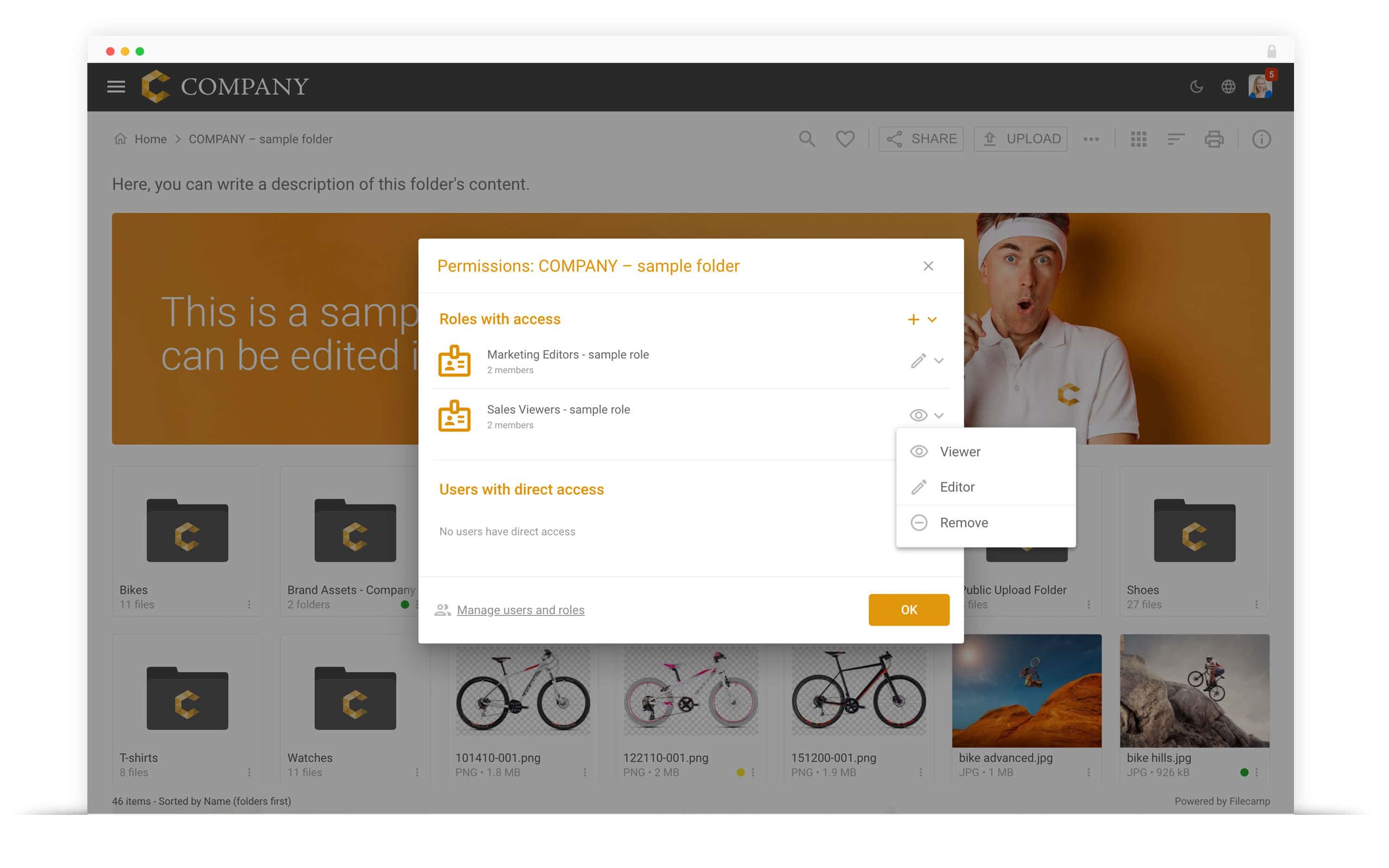
- Share folders and Collections with collaborators by link or email.
- Add custom thumbnails to folders, Collections, and individual files.
Custom Branding
Filecamp gives you complete control over your branding at 1/10 of the cost
- Customize the Filecamp interface with your logo and brand colors.
- Create multiple themes and assign them to individual folders, giving each product, brand, or client a customized experience.
- Use a custom URL, such as “media.yourdomain.com”, and customize the login screen to match your brand.
- Remove Filecamp branding completely with the white-label option. Agencies can use this to offer clients a DAM platform under their own brand.
There are many powerful, premium-priced enterprise Digital Asset Management (DAM) solutions on the market. Could you make do with a slightly simpler system that still has most of the capabilities, at less than 1/10 of the price?
Filecamp is a lightweight, cloud-based Digital Asset Management solution that provides most of the important features of premium-priced DAM solutions, and starts at $29 per month with unlimited users included in all plans. Read more about what Filecamp provides in each feature category, so you can decide whether it makes sense to save over 90% and choose a lightweight product like ours.
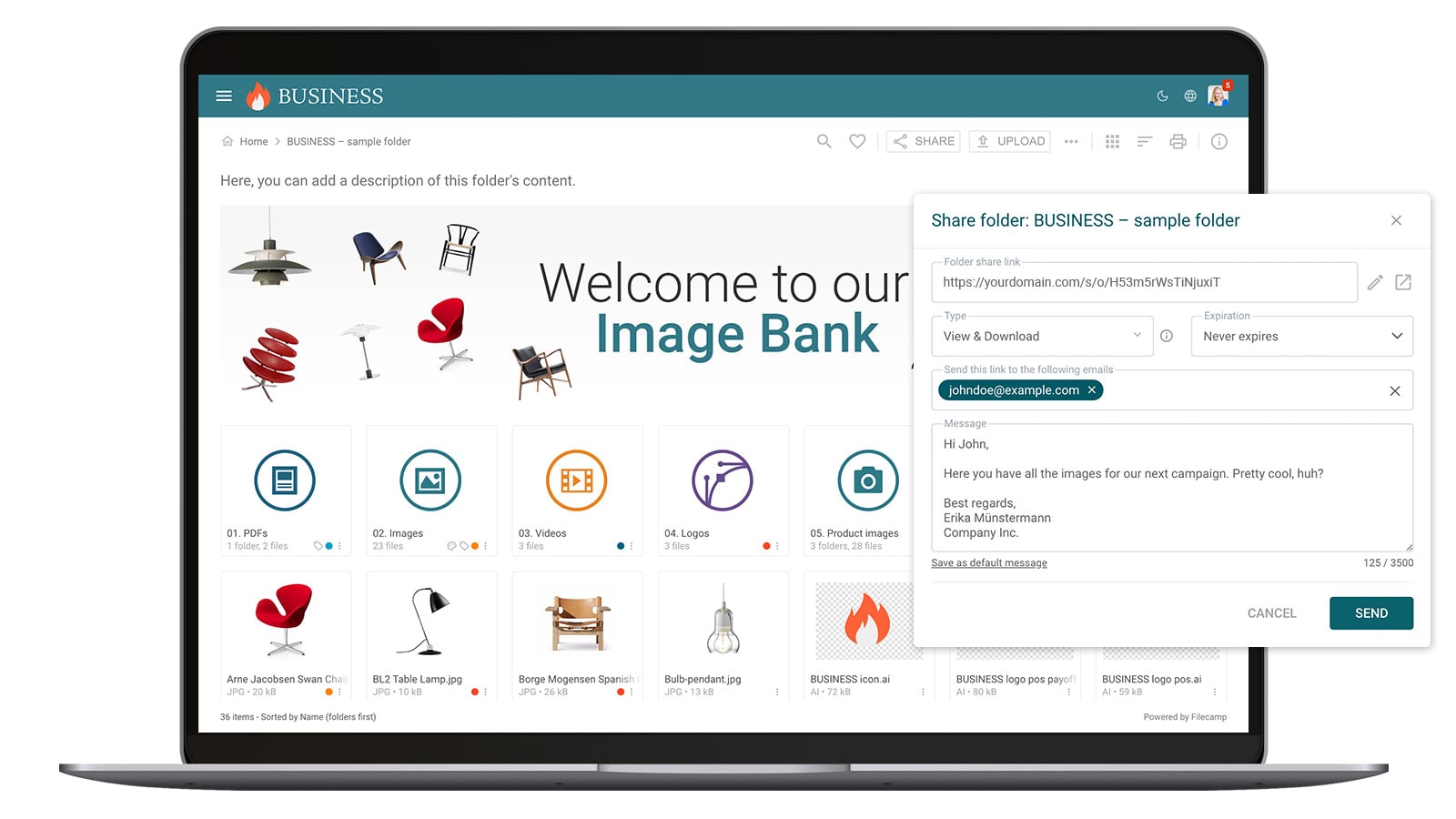
File Sharing
Filecamp makes sharing and receiving files easy at 1/10 of the cost
- Share files, folders, and Collections using links that can expire automatically.
- Access all your files through a web browser or connect through WebDAV.
- Create public upload links so people without a Filecamp account can upload files directly to a selected folder.
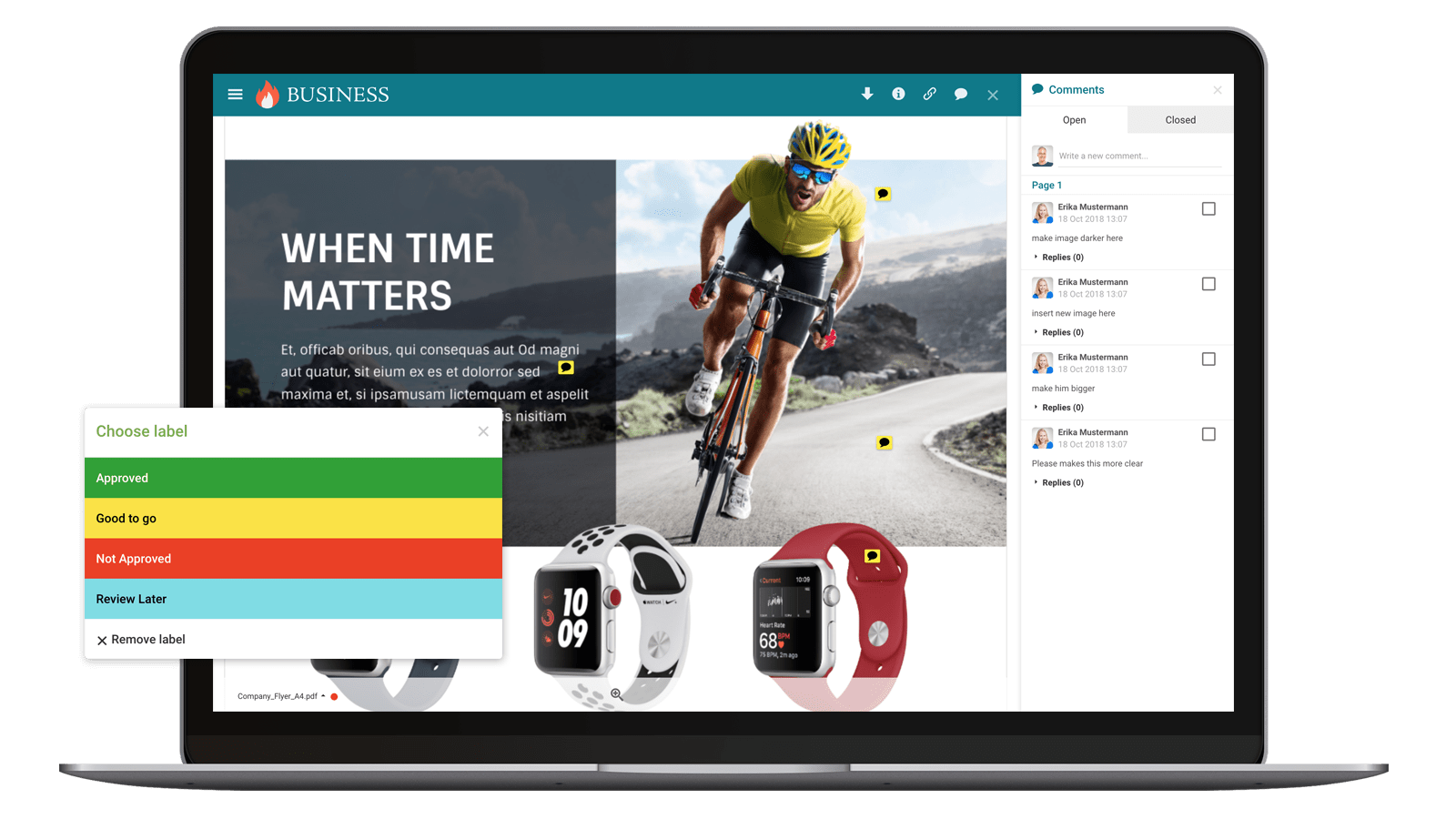
Commenting and Online Proofing
Filecamp simplifies feedback and approvals at 1/10 of the cost
- Add comments directly to files.
- Use labels such as “Pending approval” and “Approved” to manage simple review and approval workflows.
- Add visual annotations directly to PDFs and design files, including AI, EPS, and PSD files.
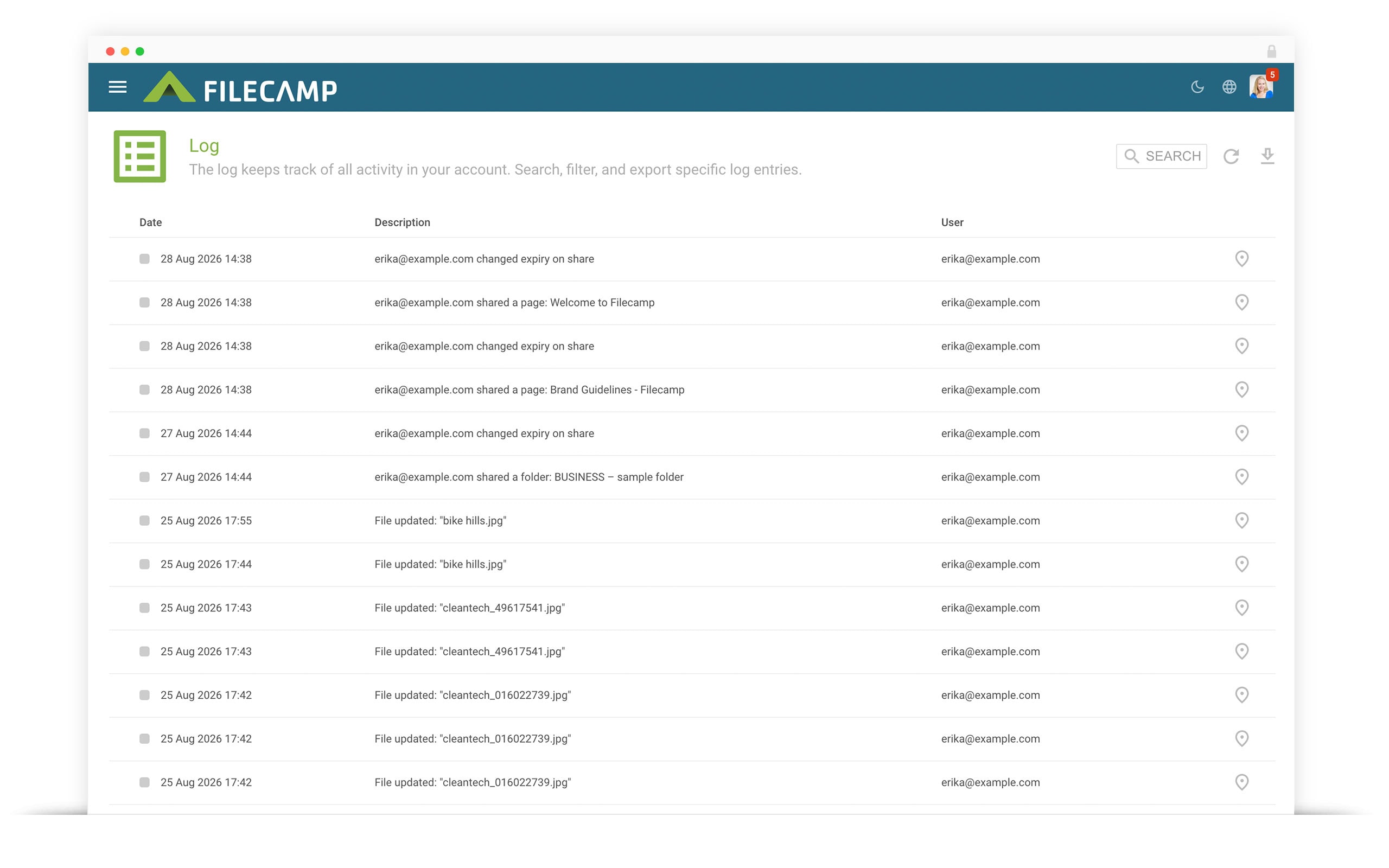
Activity Monitoring
Filecamp makes account activity easy to monitor at 1/10 of the cost
- View a clear, chronological log of activity across your account, including changes made to files and folders.
- Search by username and filter the log by specific actions or custom date ranges.
- Review the history of comments and visual annotations added to files.
Service Model
Filecamp offers a simple, self-service model at 1/10 of the cost
- Affordable plans start at $29 per month, with unlimited users included in every plan. See our pricing.
- Get immediate access with a 30-day free trial. No credit card or sales call required.
- Get knowledgeable email support directly from the team behind Filecamp.
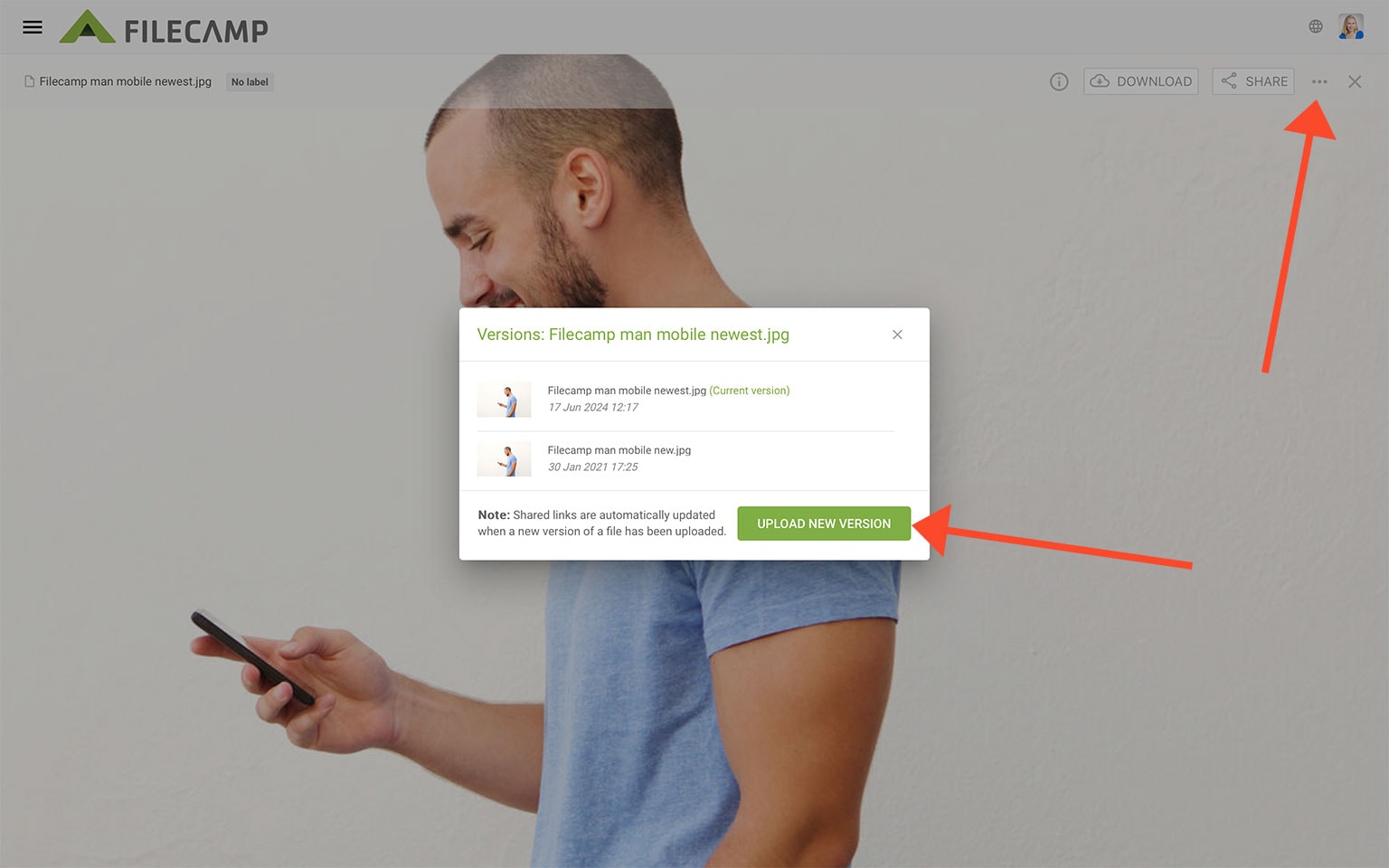
Version Control
Filecamp provides simple version control at 1/10 of the cost
- Upload a file with the same filename to replace the existing file.
- To preserve the version history, use the “New version” button. You can then restore a previous version whenever needed.
Summary
Across these key feature categories, Filecamp offers many of the same capabilities as enterprise DAM systems for less than one-tenth of the price:
Folders and Collections – Organize assets using traditional folder structures or flexible Collections.
Search and tagging – Search by filename, tags, and folders, then use advanced filters to quickly narrow your results.
Custom branding – Customize Filecamp with branded folders, multiple themes, custom URLs, branded login screens, and a white-label option.
Commenting and online proofing – Manage feedback with comments and simple workflows. Collaborators can also add annotations directly to images for clear, visual feedback.
File sharing – Share files and folders using public links, browser-based downloads, and upload links that allow external users to send files without logging in.
Version tracking – Upload new versions of a file while retaining the option to view and restore previous versions.
Activity reporting – Filecamp provides clear activity logs and a centralized overview of comments across your account.
Service model and pricing – Start a free trial immediately, with no sales call or setup process required. Plans start at $29 per month with unlimited users, often saving more than 90% compared to enterprise DAM solutions.
What is Filecamp?
What is Digital Asset Management?
As your organization grows, keeping digital files organized and under control becomes more difficult. Time is wasted responding to requests for images, logos, and other assets, and people may receive the wrong format or an outdated version. This can lead to inconsistent branding.
A digital asset management (DAM) system provides a central place to store, organize, and share images, videos, presentations, logos, design files, documents, and other brand assets. Tags and metadata make everything easier to find and manage.
Access everything online from any device.

Morgan Heinrichs, ANDE

Gary Hilson, LEE Filters

Kelly Morris, Vacutech, LLC


