

DAM in Multi-Brand Companies
How to Keep Each Brand Distinct Without Confusing Teams
Ask any founder you know, and they will tell you scaling a single brand is difficult. Now imagine scaling a portfolio of brands under one roof. That is a minefield. Your assets start to overlap. Teams pull the wrong logo while thinking they’re working with the right one. Messaging drifts from the originally intended focus for each brand. What starts as small mistakes quickly turns into brand confusion and internal friction.
To avoid these clashes and achieve a clear, distinct view of each brand, you need a Digital Asset Management (DAM) software like Filecamp and robust asset management practices.
In this article, we will discuss these practices.
1. Create Distinct Brand Portals or Silos
One of the fastest ways to create cross-contamination among your brands is to dump all assets in a single library. That’s a recipe for operational chaos.
Instead, configure your DAM software to support distinct Brand Portals. Each brand portal works as a separate, secure environment under a single master account.
So, when a user logs in, what they see is an interface specific to their team, complete with unique logos, color schemes, and folder structures, rather than a generic file directory.
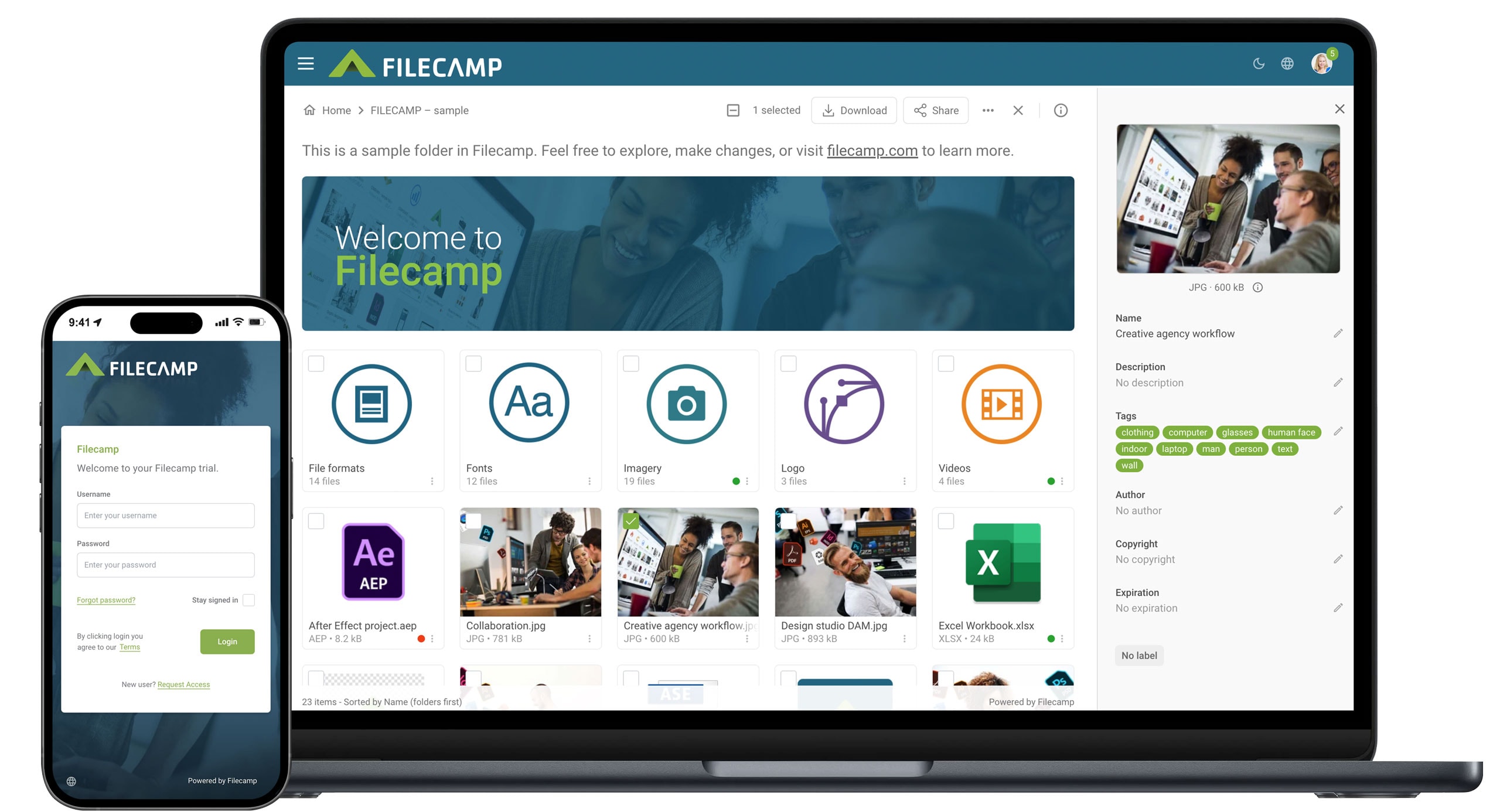
Some platforms automatically enable you to utilize brand portals, such as FileCamp. This architecture solves the messy-closet problem and helps to segregate your work environments at the root level.
Filecamp also allows you to grant access to employees or contractors at the portal level rather than the folder level. And this in turn eliminates the visual noise of unrelated company assets while streamlining workflows immediately upon login.
2. Implement Granular Permission Levels (ACLs)
Giving every employee full access to your entire library is a security nightmare waiting to happen. It eventually creates visual clutter and confuses teams who just want to find their work.
Alternatively, implement Access Control Lists (ACLs) to restrict visibility based on the user's role. ACLs ensure users only see the specific assets relevant to the brand they serve.

Start by mapping roles to permissions:
- Brand managers may need full control
- Local marketers may only need upload and edit rights
- External agencies may be restricted to viewing and downloading approved files
For example, assets used for a debt relief campaign often include legal disclosures, approved comparisons, and strict messaging guidelines that should not be edited or reused freely.
With access control lists, you can ensure only compliance or brand leads can approve or modify these assets, while marketing teams work strictly with finalized versions. External contractors might be allowed to download approved creatives but blocked from altering legal copy or claims.
This ensures data security and prevents brand confusion.
3. Integrate Contract Management for Usage Rights
Even when your assets are organized and access is controlled, usage mistakes still happen when teams do not know what they are legally allowed to use. It happens a zillion times.
And the reason is that licensing limits, expired agreements, and regional restrictions often live outside the DAM, buried inside contracts no one checks during production.
To fix such errors, you can connect your DAM platform directly to a contract management tool like ContractSafe. This integrates contract management into your DAM and ensures:
- Usage rights are visible when decisions are being made. Not after a violation occurs
- Teams can quickly confirm whether a logo, image, or campaign creative is cleared for reuse, modification, or regional distribution
For multi-brand companies, this removes guesswork entirely. Your designer knows whether a third-party image is approved for a specific brand. And marketers see if a campaign visual can be reused for another promotion. Or not.
4. Standardize Metadata Strategy
As your brand portfolio grows, finding the right asset becomes harder when files are uploaded with random names, inconsistent tags, or no context. This slows your team down and increases their chances of using the wrong asset for the wrong brand.
To fix this, standardize each metadata at the source. Define mandatory fields, such as brand name, campaign type, region, usage status, asset name, and asset format. Every upload should follow the same rules, regardless of who is adding the file.
Then train your team to recognize which terms belong to which asset. You can do this by creating a digital asset encyclopedia, which forms part of your onboarding gifts for each employee.
When there are changes to the terms used, you should ensure every relevant individual on the team is aware.
5. Connect DAM to Unified Communication Tools
The thing is, assets do not break brand systems on their own. People do, usually without realizing it. First,
- A file is shared outside the DAM
- Feedback happens somewhere on a non-centralized communication channel
- Suddenly, multiple versions of the same file are floating around with no clear source
- Then the different brands under your wing adopt whatever they can find, eventually resulting in asset confusion
If you want to fix this, you need to integrate your DAM with the unified communication tool used by your organization.
Take Filecamp as an example. You can copy a link to the file saved on your DAM portal and share it directly on your communication channel, say Slack.

This ensures feedback and decisions remain attached to the asset itself, not scattered across inboxes or chat threads.
6. Establish a Master Brand vs. Sub-Brand Hierarchy for content
A brand hierarchy should not stop at logos and visual assets. It needs to extend into how content is created and managed as well.
Define what lives at the master brand level across your content team. This can include core messaging principles, tone guidelines, and high-level keyword research.
Then separate what belongs to each sub-brand.
7. Use Visual Cues and Color-Coding in the UI
If you’re managing multiple brands under the same system, using the same color patterns and cues for all of them creates chaos.
This phenomenon is known as color interference.
To avoid that, you need to customize the interface for each brand profile.
8. Conduct Regular Asset Audits by Brand Manager
While trying to keep your brand assets distinct, you need to constantly check their currency as well.
So, assign an audit team per brand to carry out an occasional review.
Wrapping up
Managing multiple brands is a great achievement, but it can all come crashing down in a split second if you lump all your assets together.
Lastly, regularly audit each brand’s assets for relevancy, and of course, an audit team per brand to avoid mixups.

Roman Shvidun
Share this Post