

DAM for Multi-Brand Companies
How To Keep Each Brand Distinct Without Confusing Teams
A digital asset management (DAM) system is the back-end process that identifies, stores, categorizes, and distributes digital assets throughout your organization. Logos, images, video, guidelines, templates, and all other content pieces are digital assets.
When a DAM system functions properly, it offers many organizational advantages. Your teams will quickly find the correct file, create on-brand content with assurance, and stop recreating existing digital assets.
As a multi-brand company, you have an added layer of complexity. Different audiences, tone, legal requirements, and creative style are typically used when communicating with consumers. These differences are often region- or time-based.
Don’t worry! The following is a practical resource on digital asset management for multi-brand companies. Continue reading to learn how to effectively keep each brand unique without having to confuse your teams as if they were lost in a maze.
The Complexity of Managing Multiple Brands
Brands under one roof can be as different as night and day. One can have bold colors and loud messaging to reach Gen Zers. Meanwhile, another has a calm tone and restrained graphics to appeal to enterprise buyers.
Then add product lines, seasonal campaigns, brand localization, partner assets…and the mountain of content grows quickly. We all know these pitfalls:
- Brand dilution – Where assets or messaging are shared across lines
- Wasted time searching – For an approved version or the latest version
- Missed legal/licensing opportunities – From reusing assets in the wrong way
- Misallocated resources – teams duplicating each other's efforts
Consistency matters:
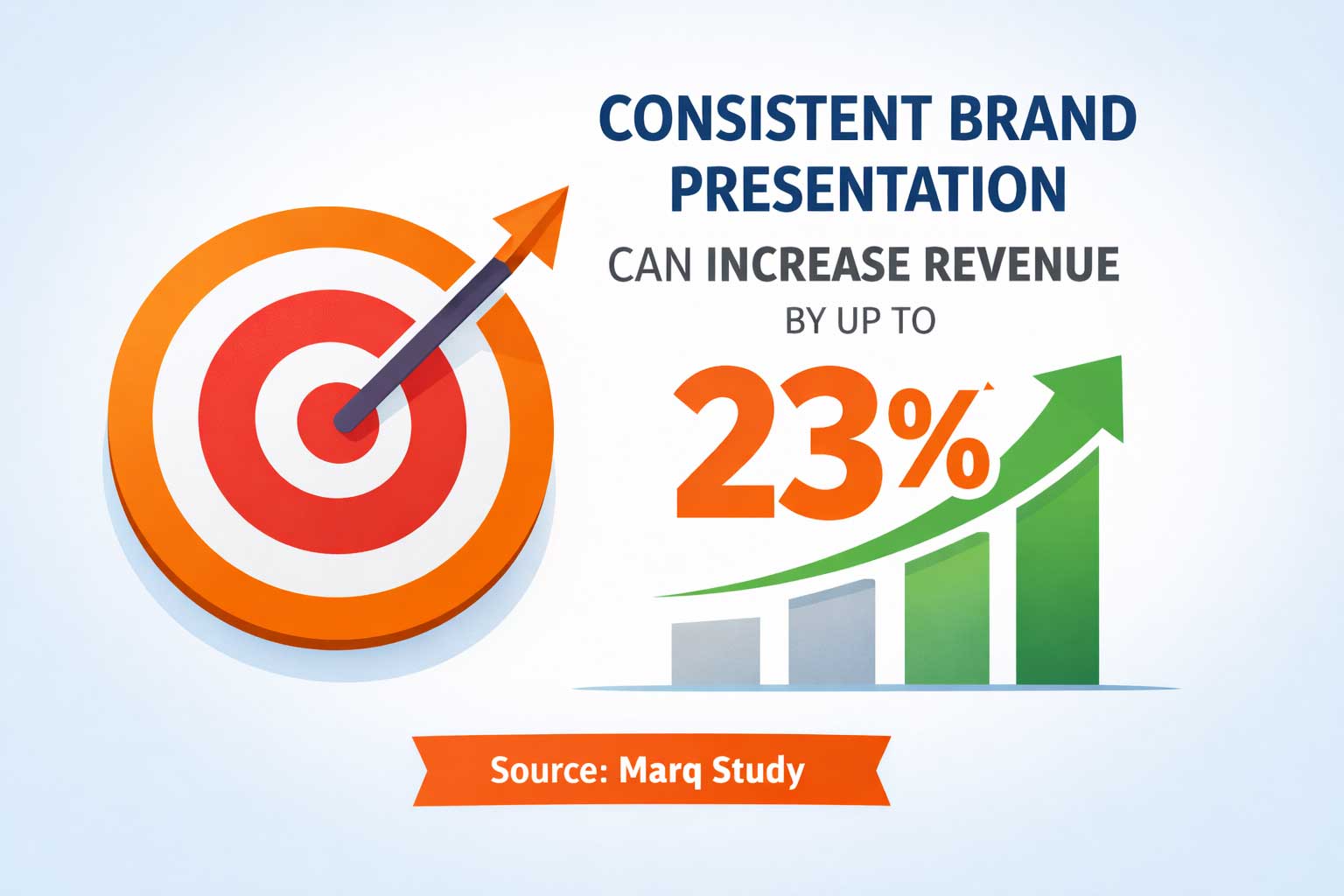
According to a recent survey of marketers, consistent brand presentation can increase revenue by up to 23%. It doesn't do this by being flashy; rather, it builds recognition and trust over time.
Role of Digital Asset Management (DAM) Systems
Centralizing all of your digital assets with DAM (Digital Asset Management) provides the organization:
- Findability through metadata
- Clarity by version control
- Protection through permissions
- Approval for workflows
Think about the differences between an uncontrolled “shared drive” with no organized structure and a well-organized “library” where every item is labeled and can be easily found.
For example, take Filecamp’s digital asset management software:
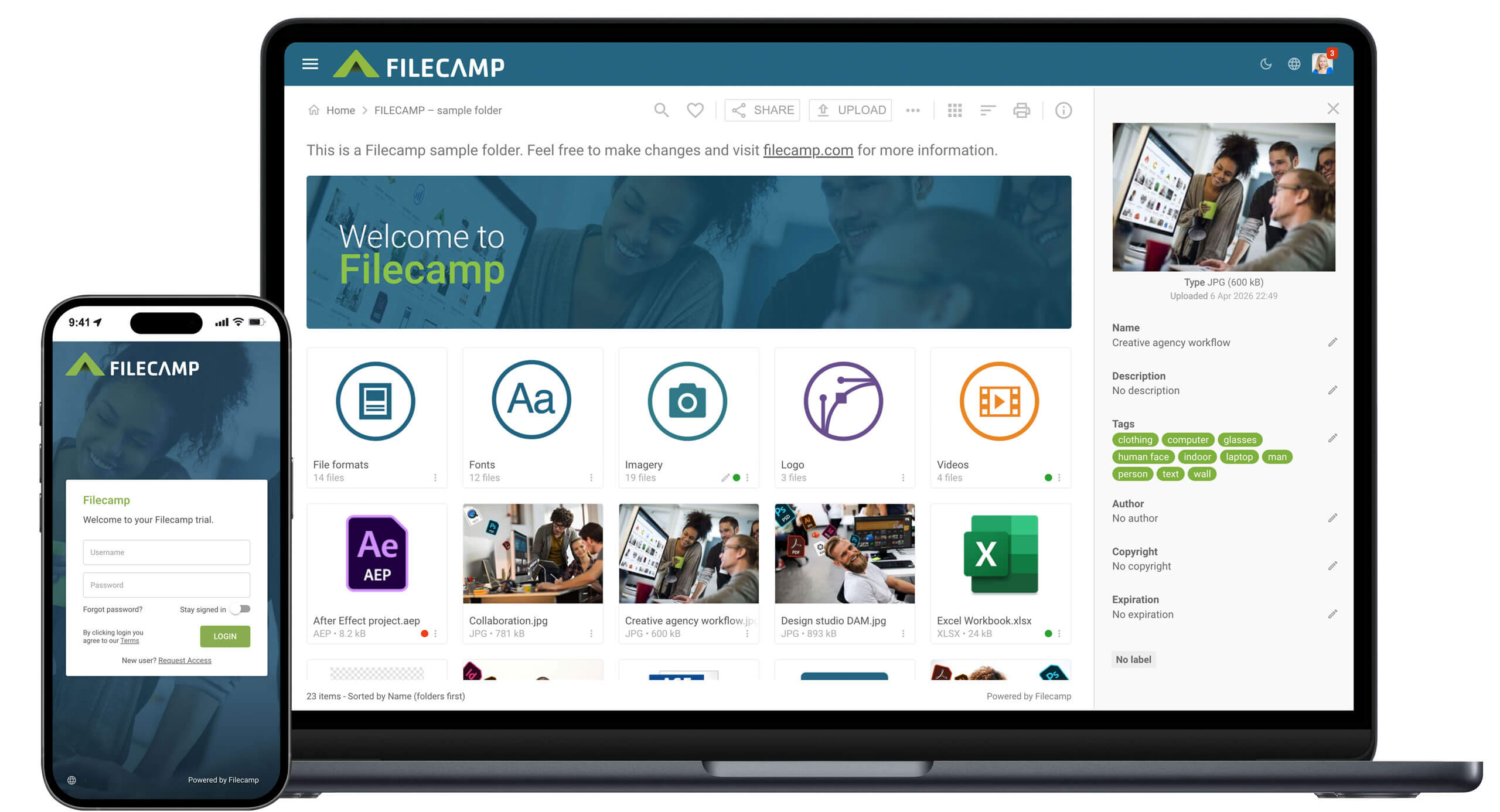
Filecamp lets you store all your digital assets in one platform. These include company pictures, stock photos, video clips, creative files, pertinent documents, and content presentations. In addition, Filecamp helps you maintain brand consistency, which is especially useful if you are managing multiple brands.

The way you set up your DAM will be crucial in a multibrand environment.
Your well-designed DAM system becomes the single source of truth for all the brand assets. The chaos of multiple versions of the same file, duplicated across various departments, will be eliminated.
A good DAM system also helps:
- Streamline the review and approval process so only approved (on-brand) assets are published.
- Keep track of licensing and usage rights of the assets.
- Provide brand portals and collections for easy searching/browsing of the assets.
- Help integrate with creative tools and content management systems (CMSs) to accelerate publication.
Most importantly, your DAM system will provide a designated home for each brand without segregating teams that need to work together.
How To Use DAM for Maintaining Brand Distinctiveness
Brand integrity is an essential component in the DAM workflow. Without defined processes (structure) and limits (guardrails), even good creative teams will produce inconsistent branding by mixing images and using incorrect assets.
The DAM provides this clarity. For one, it creates a separate area for each brand, with its own set of guidelines and all related content, in one location. This will allow your team to work efficiently without having to guess which version of an asset they are using.
You could think of the DAM as different “neighborhoods” of your city. While it may seem like just a single large city when you first look at it, a few small actions can greatly improve how you use the DAM to ensure the right assets are being used.
That said, here’s how to leverage DAM for your brand distinction:
1. Create brand-specific spaces
For your brand association, you should have individualized databases or portals for each brand. Using a very straightforward naming convention is recommended:
Brand > Campaign > Asset Type
Take a quick look at how digital files can be organized:
Learn from Matthew Thompson, Founder of OwnerWebs, who also sets DAM in place. They also maintain a database with brand-specific digital spaces for proper organization.
Thompson says, "Each of our brand spaces within our DAM has its own visual hierarchy and metadata structure. Teams can quickly determine what brand space they are working in. We use color coding, custom thumbnails, and brand-specific folder structures. That way, all users find the same location on the system when they are added to the project."
2. Nail down brand guidelines inside the dam
Put each brand’s playbook in the same location where you store its assets. Attach the guidelines to actual examples of what is expected (i.e., pre-made templates, do/don’t pictures, sample tone-of-voice). This way, your people won’t have to guess.
For instance, NorthPeak Outfitters is an apparel brand that stores the rules for logo use and tone-of-voice samples in its DAM system. Whenever a designer opens a template, all the correct font styles and messages are available immediately, without the need to open additional documents.
Take a look at the screenshot below to see how this process works:
3. Use metadata that mirrors how people search
The right metadata will make your DAM a GPS system. Fields that work well are Brand, Audience, Region, Language, Usage Rights, Campaign, Product Line, and Asset Status (draft/approved/expired). Good metadata is half art, half communication.
As such, good metadata works best when it uses the same language that your teams use in the search bar, not internal jargon. Take NISO's guide to metadata; it offers a solid primer on the fundamentals of using metadata in your DAM to ensure brand consistency. You can sort your datasets into the following categories with applications (specific examples and use cases):
In multi-brand DAMs, metadata now does more than just provide file descriptions. Team members will also add contextual information to files by using names, organization names, or references to other entities to help connect the asset to the content.
Using verifiable entity data and/or publicly available records can help teams avoid confusing similar names of partners/brands and maintain accuracy as a campaign evolves across different regions.
4. Govern versions, approvals, expirations
Only show the most recently accepted files as standard. Clearly define the "sunset" (time limit) for temporary files. Link derivative files back to their sources so that if you update a file, all related files will also be updated.
Here’s an example of this process: A manufacturer with a Vertical Lift Module product can have old spec sheets and visual images automatically expire once it introduces a new model. Meanwhile, all newer diagrams and marketing images are used in place of them throughout all linked files.
You can see how versioning and expiration date help only the most recent, approved files circulate. Take a peek at the screenshot below:
5. Offer starter kits and templates per brand
Offer pre-made template decks (social media posts, ads) to help speed up marketing efforts. Everyone loves shortcuts, and using pre-made templates will help reduce off-brand improvisation when you need to get content out fast.
For instance, a streetwear company that offers custom hoodies can have all the necessary social media posts and product page templates prepared. They can do so with the right colors, logo placements, typography, etc. So, whenever they want to create a new design, they don't have to start from scratch.
Here is an example of what this might look like in a screenshot. This shows how the starter kits keep things consistent with your branding:
6. Ensure team collaboration without confusion
It is possible for teams to find inspiration in others' work without taking something they shouldn't have taken as their own brand. That is a fine line to walk, and that is where permissions come into play.
For example, when it comes to a moving company, a crew doing residential moves may look at some very successful campaign materials from another service line (such as commercial moves), without being able to use the wrong branding. This is what Adrian Iorga, Founder and President of Stairhopper Movers, is familiar with from his experience working with multiple brands that use permission levels.
Iorga states, "We give read-only access to all our brands for both inspiration and to check consistency, but we limit edit permissions to the specific brand they are working with. Additionally, we require mandatory training for each brand's guidelines and then encourage creative ideas while limiting the possibility of unintentionally crossing over a brand."
A couple of best practices to help make your collaborative work easier:
- Set permissions based on Role & Brand, not on individual users. Users move into new roles; Roles do not.
- Create a public area for cross-brand reference (ideas and inspiration) and set it to view-only.
- Use short video training within the DAM, such as where to find what you are looking for and/or how to submit for approval.
- Establish a basic change log for when new campaigns are added, when existing logos are updated, when certain assets have been retired, etc. That way, no one is caught off guard!
Challenges (+Solutions) in Implementing DAM
Launching a DAM across several brands (digital asset management for small businesses and big companies) is not a switch-flip event. Whether you are managing dozens, hundreds, or thousands of assets across multiple teams, hiccups will occur. However, these can be addressed with proper planning and methodology:
- Resistance to change: Employees get attached to old folder structures. Begin by engaging your brand team, which has expressed enthusiasm, and document their workflow processes. Likewise, identify and address their existing problems. Finally, use these successful brand team examples to bring other brand teams on board.
- Mismatch in taxonomy: Yes, it does not match how people search. If your metadata fields feel too academic, they will not utilize them. That’s why you should conduct pilot testing with actual users and make adjustments. Make sure to create a simple version of your taxonomy and then add nuance.
- Gaps in integration: The DAM should connect to the tools your teams use, such as design software, Content Management Systems (CMS), Product Information Management (PIM), and/or Marketing Automation systems. Even the simplest integration can save hours. Remember, a considerable amount of time spent by knowledge workers is searching for assets.
- Drift in governance: Scheduling short quarterly review sessions to assess whether governance standards have drifted over time is crucial. Review usage of metadata fields and remove expired assets. Likewise, capture new requirements from brand teams.
- Measuring value: Establish a basic "before-and-after" set to track metrics, including time to find assets, duplicate work instances, time to approve assets, and time spent reworking assets due to branding issues. Be truthful in tracking metrics. In many cases, the time saved shows up quickly and can potentially fund the tool within one year.
Final Words
There are many ways in which multi-brand organizations can create their own separate brands. Organizations with multiple brands have internal structures that enable them to operate quickly without stepping on each other's toes.
However, a good DAM will provide the necessary structure to support:
- Enough space to allow each of your brands to function well.
- Meaningful metadata to help identify what is inside your DAM.
- Smart permission controls to limit who sees what.
- Steady governance to keep all brands on track.
In addition to these capabilities, a few easy onboarding steps and common practices across all brands can reduce overall confusion about the process.
Need help with your DAM? Take a closer look at how Filecamp has implemented Digital Asset Management solutions for various companies and/or organizations with multiple brands. Try it out today by signing up for your free trial!

Maya Kirianova
Share this Post