FEATURE HIGHLIGHT
Granular Access Control
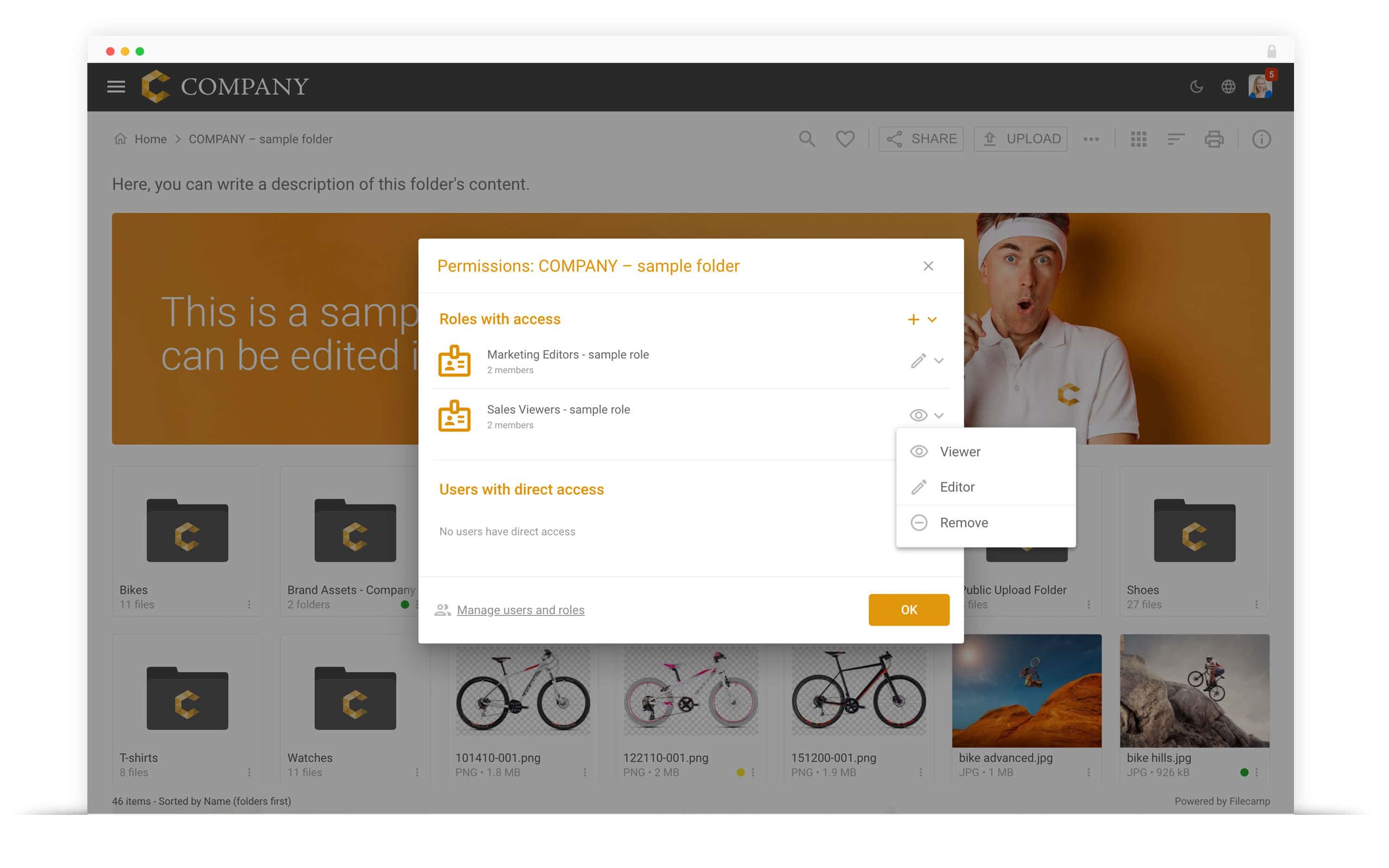
Control access to your folders with custom Roles and flexible Viewer or Editor permissions.
Manage access with custom Roles
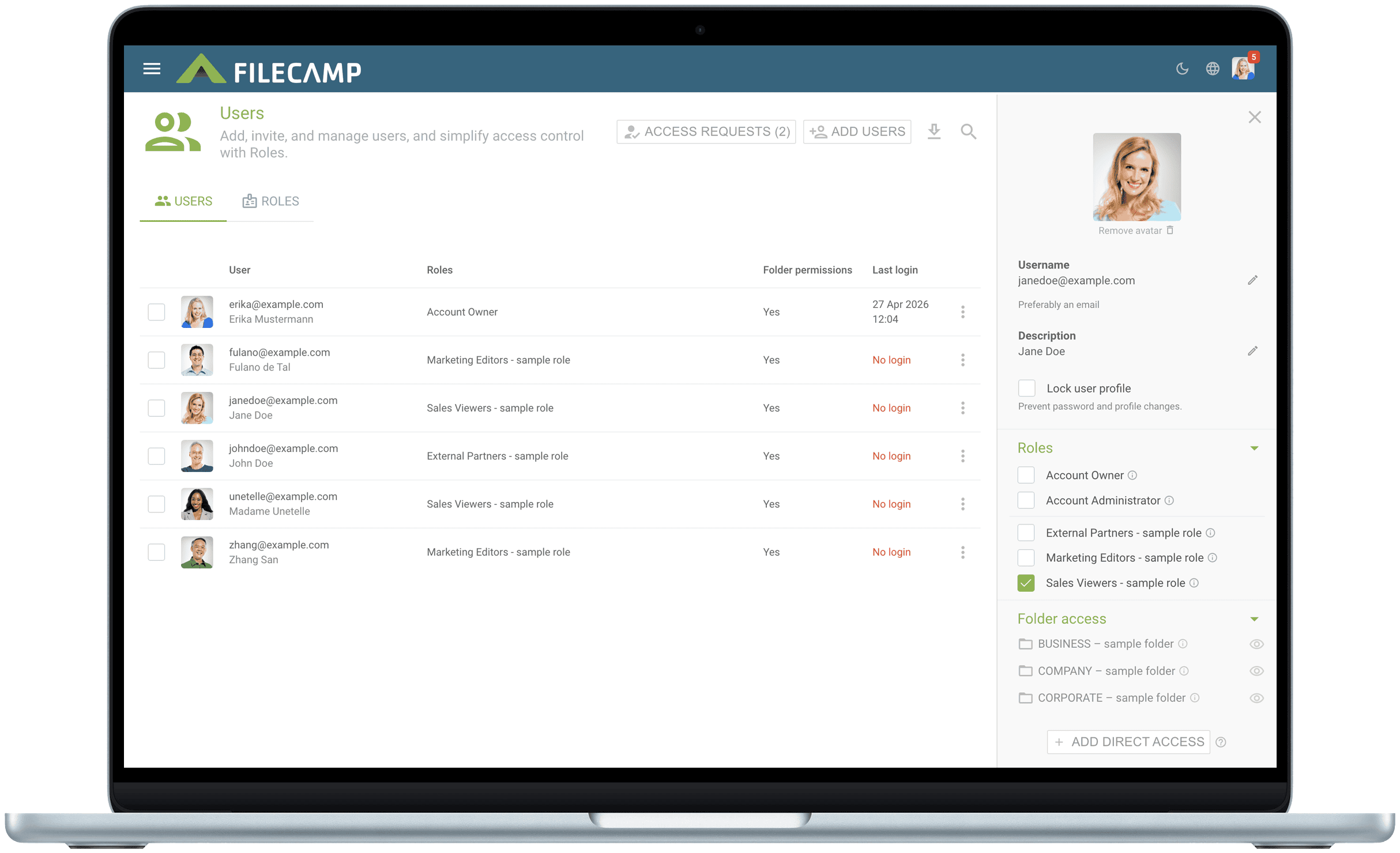
Create Roles that reflect how your organization works, such as Marketing Editors, Sales Viewers, or External Partners.
Assign each Role access to the relevant folders, then add as many users as needed. When you update a Role, the changes automatically apply to everyone assigned to it.
Users can belong to multiple Roles, making it easy to manage access across teams, departments, clients, and projects.
Tell me more
Choose Viewer or Editor access
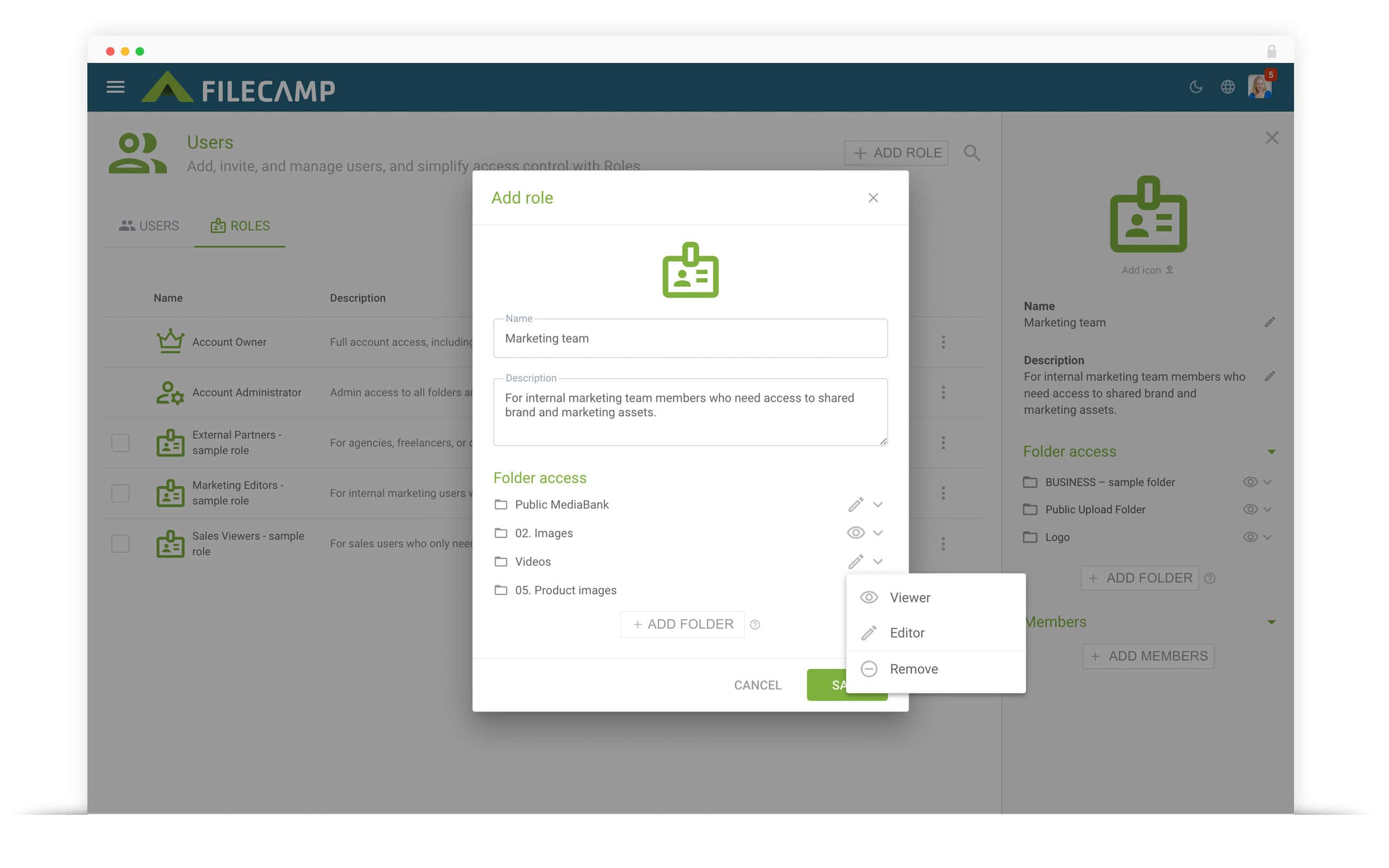
Control what users can do within each folder:
- Viewers can browse, preview, download, comment on, and share files without modifying them.
- Editors can also upload, edit, organize, move, copy, label, and delete files.
Folder access is automatically inherited by subfolders, so you do not need to configure every folder separately.
Tell me more