

Digital Asset Management (DAM)
How Agencies Simplify Operations with Digital Asset Management
If your team spends more time looking for files than doing the work, you’re not imagining it. Agencies drown in “latest version” chaos: links get buried, attachments multiply, and somebody always uses the wrong logo.
That’s what a Digital Asset Management system (DAM) is for. It’s one place to keep all your stuff, and more importantly, to find it again.
Logos, brand guidelines, campaign images, videos, decks, source files, templates, the whole pile. You upload it once, organize it properly, and then everyone pulls from the same library instead of random folders and old email threads.
And here’s the part people skip: digital assets aren’t just “files.” For agencies, they’re the working parts of the brand. If they’re scattered, you waste time, approvals get messy, and quality slips because someone grabs whatever they can find fastest.
A good DAM software makes the flow smoother. It helps teams get to the right version quickly, share it without sending ten attachments, and keep track of what’s approved versus what’s outdated.
Which matters even more when you’re juggling multiple clients, fast campaign cycles, and teams spread across different tools and time zones.
Where Asset Management Breaks Down for Agencies
Agencies feel the pain of asset chaos more than most. It often starts with fragmented storage. Teams save files to personal drives, shared folders, email threads, and chat links, then add a couple of different cloud platforms to the mix.
Finding the latest logo or a properly licensed image can turn into a scavenger hunt.
Then there's collaboration and approvals. Design tweaks might ping-pong between project managers, clients, and legal. If feedback lands in five different places, version control becomes a guessing game. Teams can rename files like finalFINALv9 just to cope, which is funny until someone ships the wrong one.
Security and compliance add another layer. Agencies handle sensitive client material and licensed content. When access isn't properly managed, the risk grows, sometimes quietly, until it doesn't.
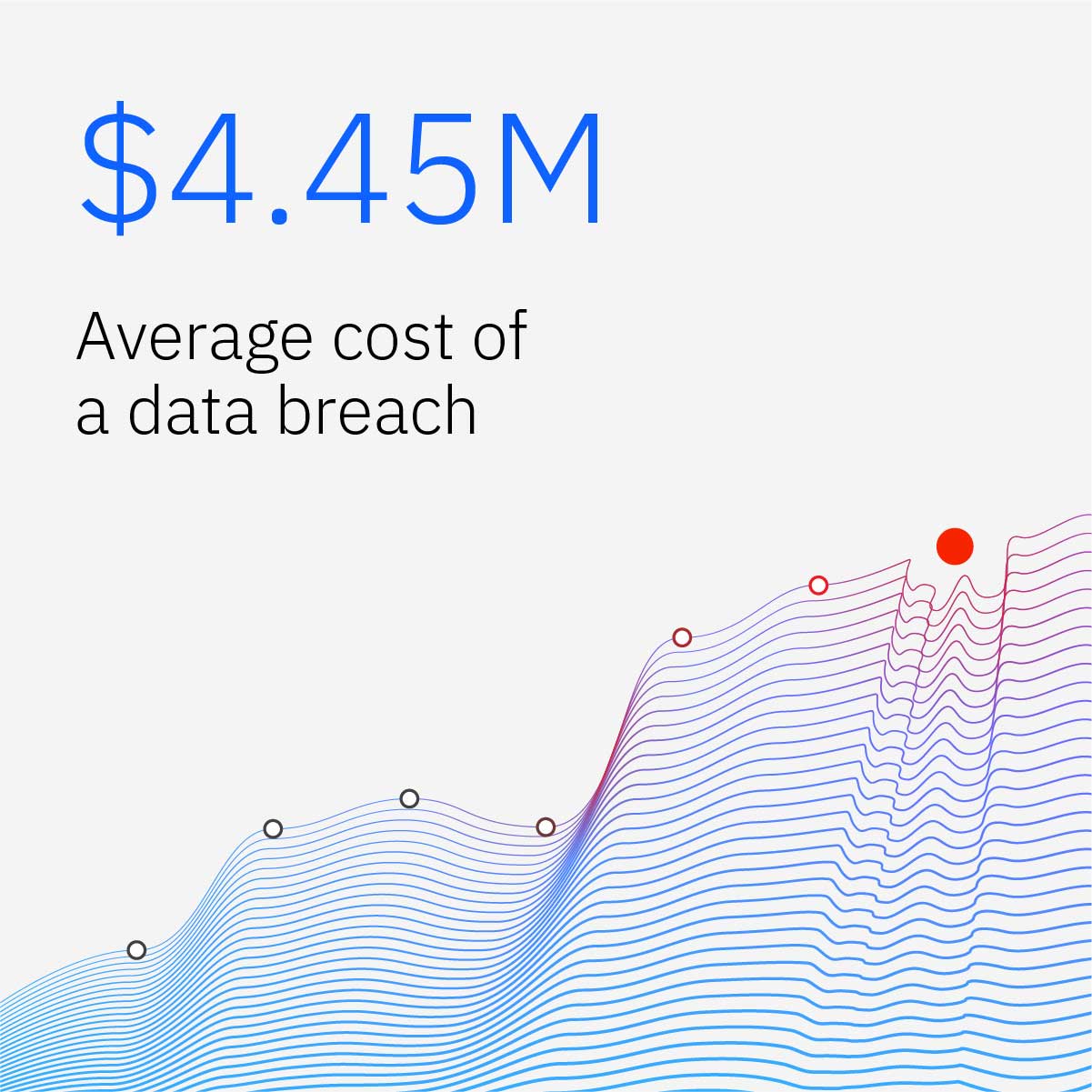
According to IBM's Cost of a Data Breach research, the average breach now costs organizations more than $4 million globally.
Ryan Walton, Program Ambassador of The Anonymous Project, works with people and stories that require privacy and careful handling. When sensitive material is shared loosely, even with good intentions, it can create real harm.
“A lot of problems come from ‘quick sharing’ that turns into permanent access. If links don’t expire and permissions aren’t clear, you can’t really control where something ends up. For anything sensitive, the safest workflow is the one that assumes files will travel and builds guardrails from the start.”
How a DAM Makes Agency Work Easier
There’s a very specific kind of chaos that happens in agencies: someone needs “the latest” logo, but what they actually have is a Slack screenshot of a PNG from three months ago, a Google Drive folder called “FINAL_FINAL,” and a Figma link that might or might not be the right file.
The average employee now spends about 3.6 hours a day searching for information, and IT teams spend closer to 4.2 hours. When people can find assets quickly and actually trust they’re using the right version, a bunch of problems quietly stop happening.
It also changes how work moves around. One link replaces the endless attachment loop. Stakeholders can comment in the same place the files live, and designers stop getting nudged to “just tweak the older one” because nobody knows where the newest one went. Handoffs get cleaner because the file is the file, not a trail of versions.
There’s also brand consistency, which sounds boring until it costs you money. Research suggests maintaining brand consistency across channels can increase revenue by 20–30%.

Agencies feel this in smaller ways, too: fewer awkward client messages like “Why is the font different here?” A DAM helps teams stick to the current assets and the current rules, without relying on tribal knowledge.
Andrew Bates, COO of Bates Electric, runs teams that rely on the right drawings, specs, and documentation to stay aligned across jobs and partners. When the wrong version circulates, it doesn’t just create confusion and rework.
“Most mistakes start with someone using the file they can find fastest. If the latest approved version is not obvious, people guess. A clean system that shows what’s current and what’s approved saves hours of backtracking and prevents the kind of small slip that turns into a big delay.”
On the risk side, DAMs are one of those boring safeguards you’re grateful for later. Permissioning, rights metadata, and audit trails keep licensed assets and sensitive materials where they’re supposed to be.
Agencies also juggle vendor agreements, usage rights, NDAs, licensing terms, and client paperwork that dictates what you can and can’t publish.
If those documents live in random folders or inboxes, the risk isn’t theoretical. It shows up when someone reuses an asset they don’t have the rights to or can’t prove approval later. That’s why some teams pair a DAM with contract management software to keep the legal side just as searchable and controlled as the creative side.
If you’re juggling multiple clients, contractors, and compliance constraints, that’s not optional. It’s how you avoid using an expired image license in a paid campaign because someone dragged it from an old folder.
And the sneaky benefit is quality control. With approvals and version history in one place, fewer things slip through the cracks because someone grabbed an outdated file from an ancient link.
Over time, these are the kinds of improvements that compound: faster turnarounds, fewer revisions, less rework, and clients who feel like the agency has a handle on the details.
Choosing the Right DAM Software for Your Agency
People love asking “what’s the best DAM software ?” like there’s a single winner, and we can all go home. But agencies don’t work like that. The “best” DAM is basically the one your team will actually use… without feeling like they’ve been sentenced to learn a new religion.
So instead of starting with a feature checklist, start with your workflow. Where do files currently live? Where do they get lost? Where does approval slow down? The right system should slide into those grooves, not demand you rebuild the whole machine.
Can it grow with you without becoming a mess?
It’s easy when you have one client and a neat little folder structure. Then you add five more clients, each with their own sub-brands, markets, seasonal campaigns, and “please don’t use the old logo” rules.
That’s where flexible structure matters: custom metadata fields, taxonomies that don’t collapse under complexity, and brand portals that let each account feel clean and separate. You don’t want “search” to become “scroll and pray.”
Does it fit the tools your team already lives in?
A DAM software that doesn’t play well with Adobe Creative Cloud is like a gym that won’t let you bring shoes. Same for project management tools, cloud storage, and SSO. If people have to jump through hoops, they’ll route around it.
And UI matters more than vendors admit. If it feels clunky, adoption becomes a nagging campaign instead of a natural habit.
Assume you’ll need more control than you think.
Agencies share assets with clients, freelancers, PR partners, media buyers… sometimes people you barely know but still need to hand files to.
That’s where granular roles, share links with expirations, watermarking, rights management, and audit logs that tell you who touched what and when.
Support is a bigger deal than it sounds.
A DAM rollout involves migration, cleanup, training, and the inevitable questions like “where did the old folders go?” Good documentation and responsive support can save weeks of frustration.
Customer success can be the difference between a system that sticks and a system everyone quietly ignores. Ask directly about migration help and training resources, because you will need them.
Will the pricing scale well?
Storage tiers, user seats, add-ons, “external users,” “portals,” “advanced permissions”… this is where a nice-looking monthly price can balloon.
Map pricing to how you actually work: how many internal users, how many client users, how much storage you’ll realistically need in 12 months, and which features you’ll end up paying for anyway.
And when you’re stuck between two options, anchor it back to real agency friction:
- How many brands are you managing today and next year?
- Who needs access beyond your internal team (clients, vendors, PR partners)?
- How fast is your production cycle?
- Where do approvals stall: legal, brand, client stakeholders, internal review?
Because the point isn’t picking the fanciest platform. It’s picking the one that makes “Where’s the latest file?” a non-issue, instead of a daily mini-drama.
Implementing Digital Asset Management in Your Agency
Rolling out a DAM is like moving into a better house, you pack, label, declutter, and set up rooms with intention.
Here's a practical setup plan:
- Run an asset audit. Inventory what you've got, where it lives, who uses it, and how often. Identify duplicates and outdated files. Decide what's worth migrating.
- Design your taxonomy and metadata. Keep it simple and meaningful. Start with fields you'll actually search by: client, campaign, asset type, rights, and status. You can expand later.
- Migrate in phases. Move high-value, frequently used assets first. Archive the rest for reference.
- Connect to Adobe CC, project management, SSO, and file-sharing tools. Keep logins smooth and context switching minimal.
- Define who uploads, who approves, who can share links externally, and when assets expire.
- Short training sessions work best. Create quick reference guides, then gather feedback and tweak. Celebrate early wins so the team sticks to the new flow.
Tom Rockwell, CEO of Concrete Tools Direct, deals with a constant stream of product photos, spec sheets, and sales assets that need to stay consistent across teams and partners. When naming and organization slip, people stop trusting the library and start keeping their own stashes.
“The biggest issue isn’t missing files, it’s doubt. If someone has to wonder whether a spec sheet is current, they’ll save their own copy, and now you’ve got five versions floating around. Once you set a clear structure and keep it updated, people stop hoarding files and start using the system.”
Don't try to do everything at once. Aim for "better now" over "perfect someday." Early momentum matters more than flawless taxonomy on day one.
What’s Next in Digital Asset Management?
The next wave of DAM is getting smarter and more anticipatory. Auto-tagging and visual search are already helpful, but we're about to see bigger leaps.
AI is already revolutionizing how we tag and search for assets. Soon, DAM systems will automatically generate variations, suggest relevant assets based on project context, and even predict which assets need updating.
Expect closer collaboration features for remote and hybrid teams, smarter rights management tied to usage data, and headless DAM architectures that pipe approved assets directly into websites, apps, and marketing platforms via APIs.
If you're exploring tools, make a short list, run a small pilot with a real project, and listen closely to how your team works with it. The right fit will feel natural, quiet, supportive, and always there when you need it.
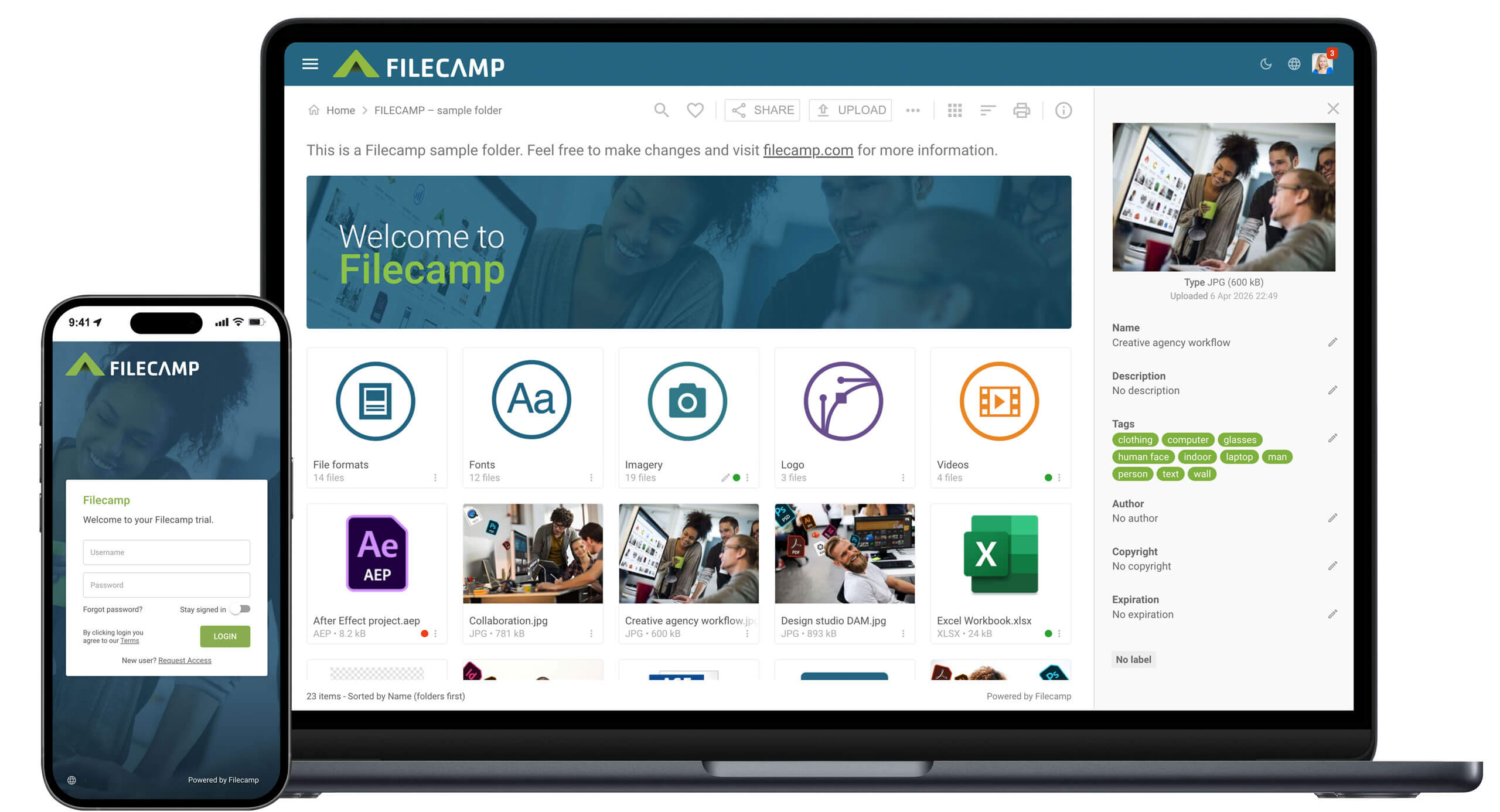
If you want a simple place to start, sign up for a free trial to see what a practical, agency-friendly DAM looks like.

Catherine Schwartz
Share this Post