
Billing
Manage your subscription, storage, payment methods, and invoices.
Log in as an Account Owner, open the main menu  , and go to Admin > Billing.
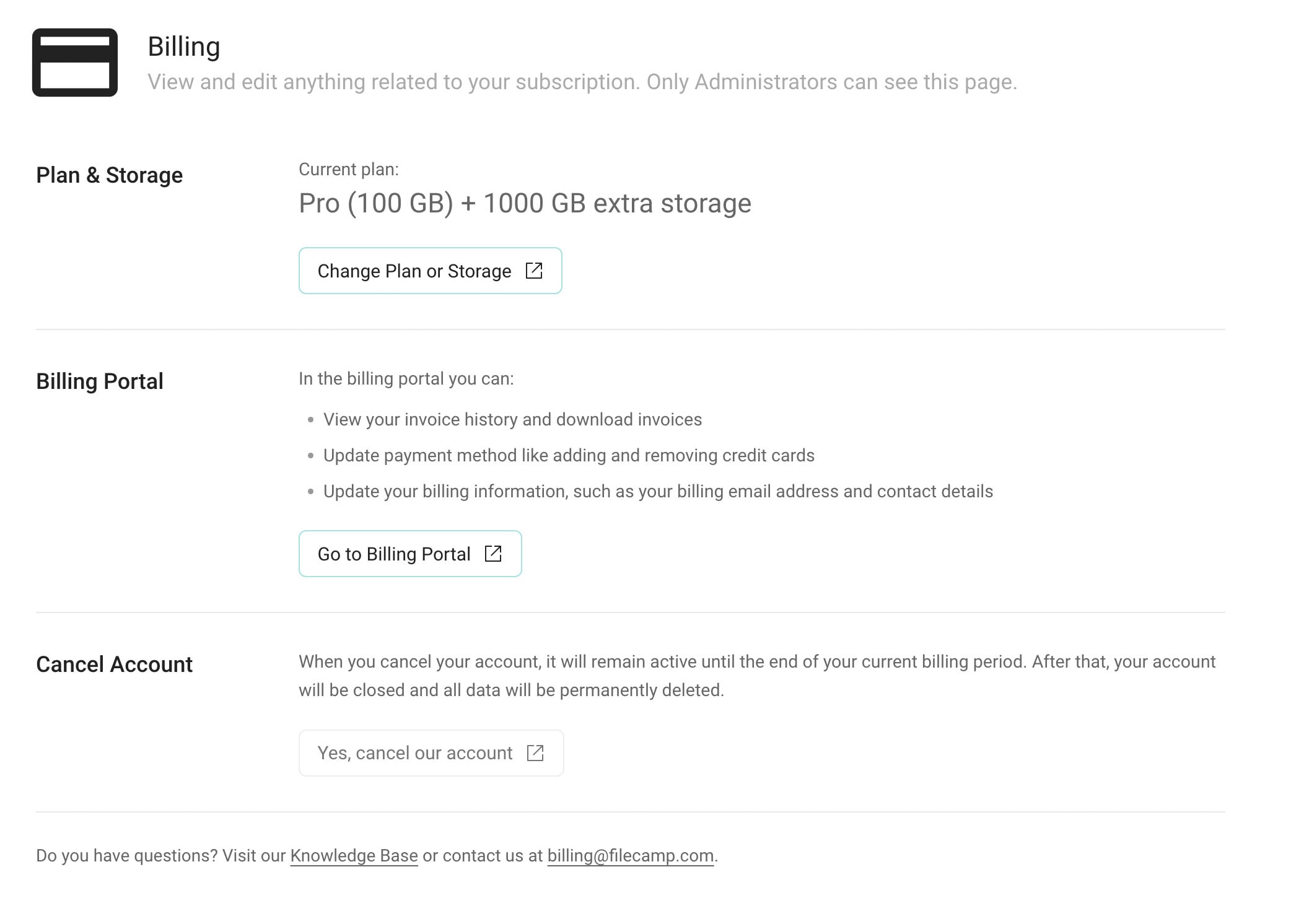
Plan & Storage
View your current plan and any extra storage included in your subscription.
Click Change Plan or Storage to adjust your plan or storage level.
Billing Portal
Click Go to Billing Portal to:
- View your invoice history and download invoices.
- Manage your payment methods, including adding or removing credit cards.
- Update your billing information, including your company name, address, billing email address, and contact details.
Cancel Account
To cancel your subscription, click Yes, cancel our account and complete the cancellation form.
Your account will remain active until the end of your current billing period. After that, your account will be closed.
Warning: Download any files you want to keep before your billing period ends. Canceling your account will result in the permanent deletion of your account and its data.

On this page:
Related articles
Credit Card Management for recurring transactions
Filecamp uses stripe, a Level 1 PCI Compliant service provider, to manage credit card data and PCI compliance.
Filecamp only stores the absolute minimum card details such as the last four digits and the expiration date for identification purposes.
