
Dark and Light mode
Switch between dark and light mode in Filecamp to match your workspace and reduce eye strain.
How to switch between dark and light mode
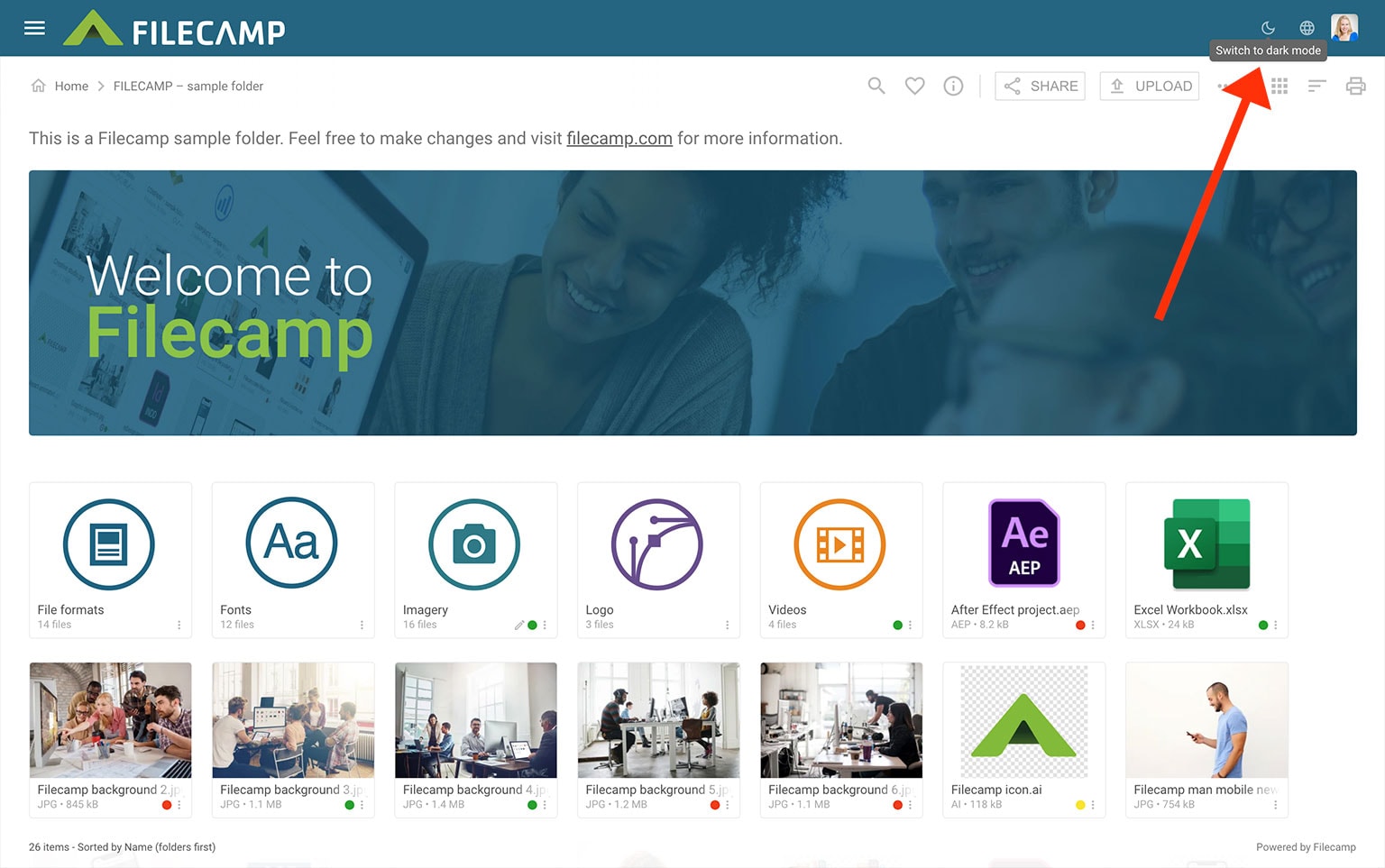
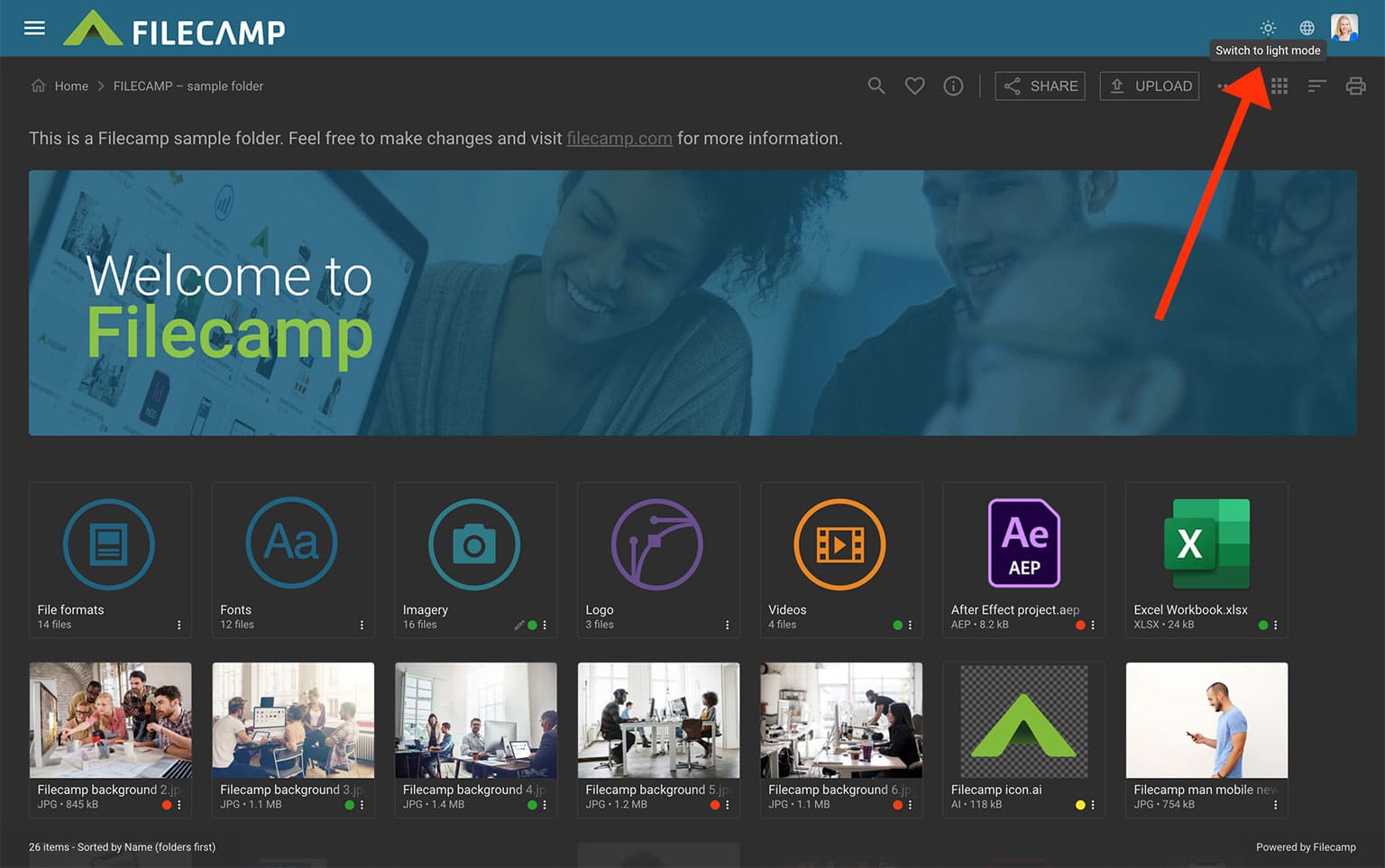
- In the top-right corner, click the sun or moon icon.
- Select Switch to dark mode or Switch to light mode.
The change is applied immediately. Your browser will remember your choice for 24 hours.
Light mode example:
Dark mode example:
Note: Filecamp follows your operating system’s mode by default.
If your device uses dark mode, Filecamp opens in dark mode. If it uses light mode, Filecamp opens in light mode. You can still switch modes at any time using the sun or moon icon.
Related articles
User
Admin
Note: Dark and Light mode is in early release and may not yet be available in your account. It is being gradually rolled out to all customers. View release notes
Note: Dark and light mode only affect how Filecamp looks for you. They do not change anything for other users.