
Stay signed in
Keep your Filecamp session active between visits so you don’t need to log in every time.
Stay signed in
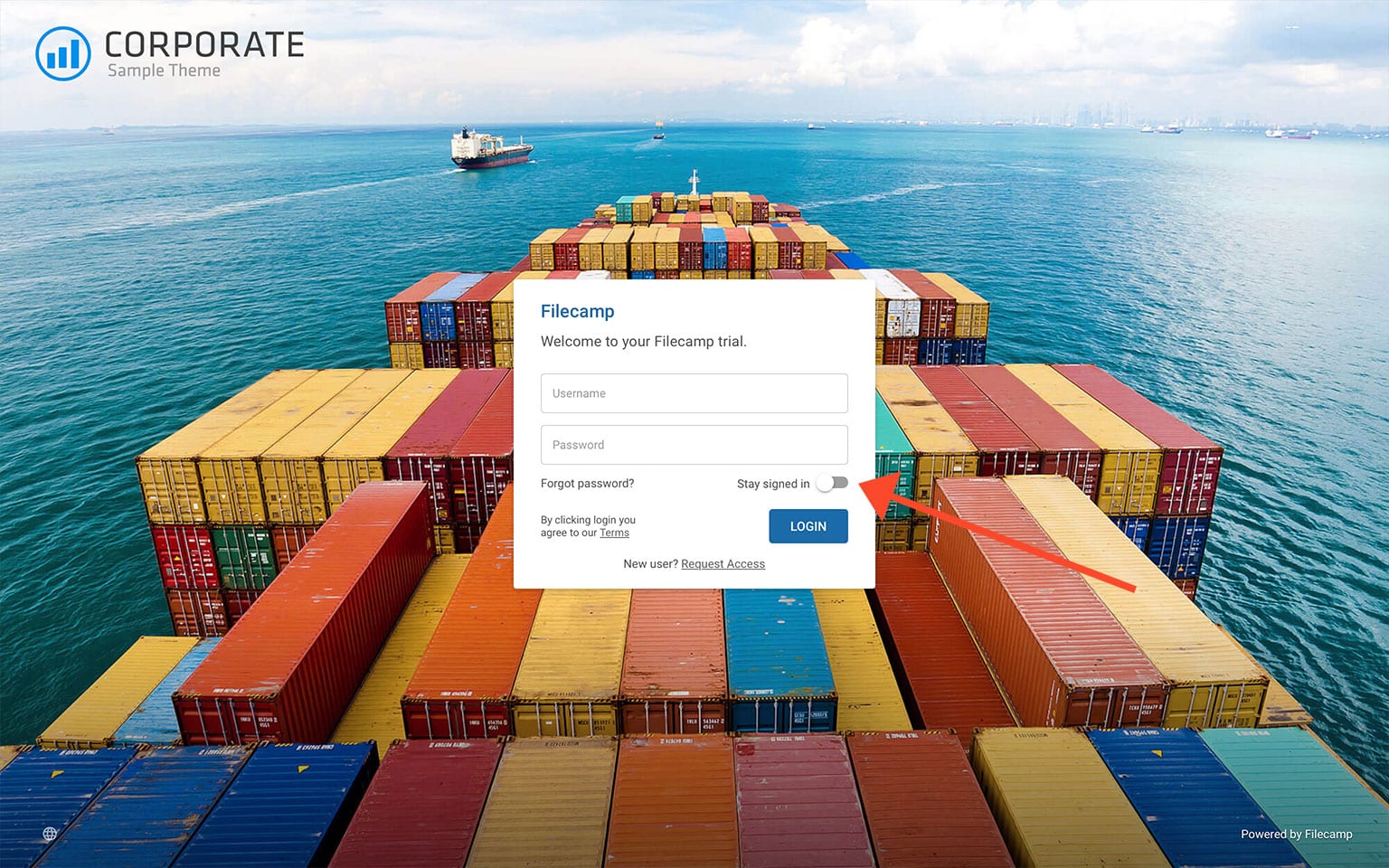
Check Stay signed in on the login page before logging in. Filecamp will keep you signed in when you return using the same browser.
Log out
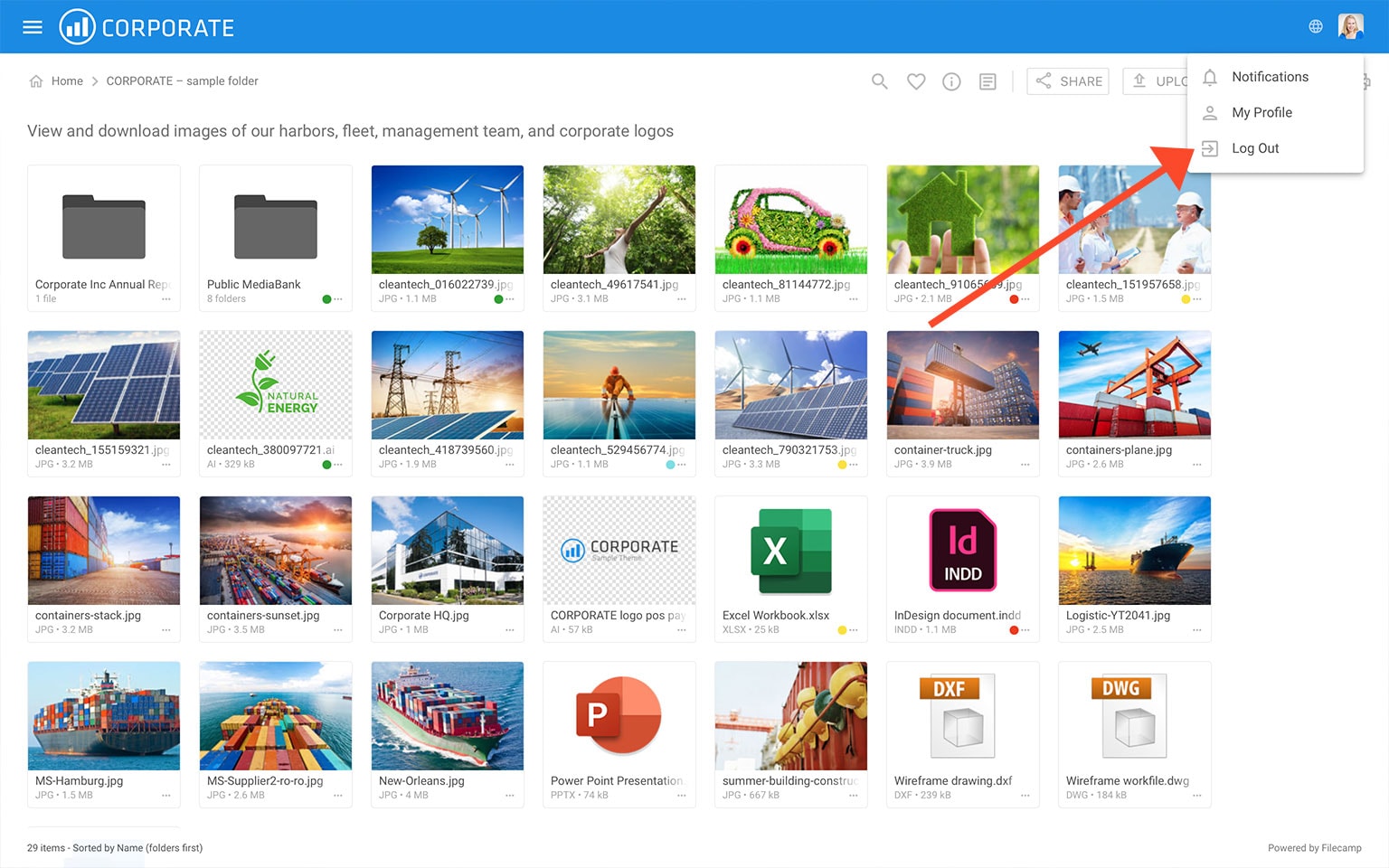
To end your session, click your avatar in the top-right corner and select Log out. You’ll need to log in again the next time you visit Filecamp.
Stay signed in and two-factor login
Stay signed in keeps your login session between visits. The two-factor login option Don’t ask again on this browser for 30 days skips the second verification step when you need to log in again. These are separate settings. Learn more about two-factor login.
Notice: Only use Stay signed in on your own device. Avoid it on shared or public computers.
Related articles
User
- My Profile
- Forgot password
- Stay signed in
- Notifications
- Log in
- Two-factor login (2FA)
- Log out
- Language
- Dark and Light mode