
Custom Branding
Customize Filecamp with your company’s logo, colors, and other brand elements so it feels like your own.
Related articles
Look and feel
Theme-level settings 
- Theme title.
- Primary color (header).
- Secondary color (buttons, etc.).
- Logo and favicon.
- Default folder icon and color.
- Login page background image.
- Login page background color.
- Login page description.
- Custom terms and conditions.
VIDEO
CUSTOM BRANDING
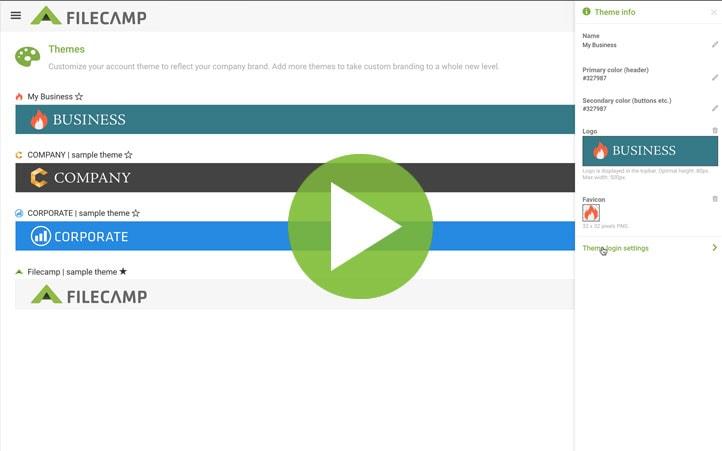
How to style Filecamp with your own colors, logo, and background image.
Login page
Customize your login page with your own branding, as shown below.
background color

Interface
Customize the Filecamp interface with your own branding and settings, as shown below.
on folders and files
Labelset
(buttons etc.)
and sorting options
(topbar)
