
Custom Branding

Customize Filecamp with your company’s logo, colors, and other brand elements, so it feels like your own.

At account level  

At folder level  

At theme level  

  • Page title.
  • Primary color (header).
  • Secondary color (buttons, etc.).
  • Logo and favicon.
  • Default folder icon/color.
  • Login page background image.
  • Login page background color.
  • Login description.
  • Custom Terms & Conditions.

VIDEO
CUSTOM BRANDING
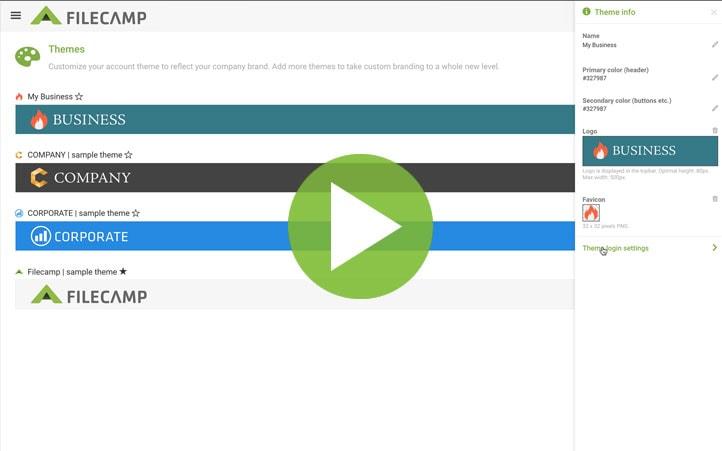
Image

How to style Filecamp with your own colors, logo, and background image.
More videos

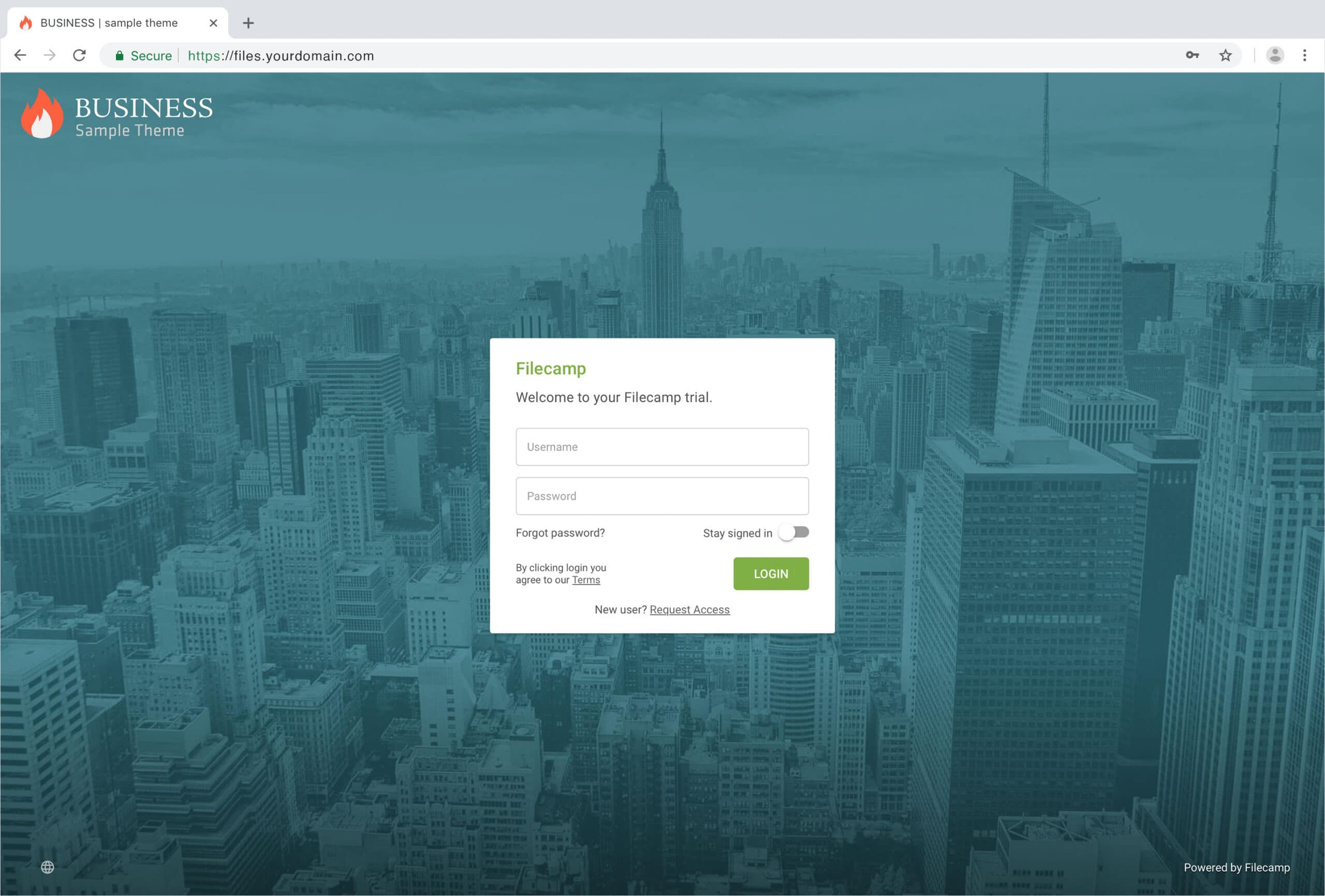
Login page

You can see which aspects of the login page are customizable below:

Favicon and page title Own secure https URL Login logo Login body background color Login page background image Your own custom Terms or copyright notice Secondary color (buttons etc.) White Label text Login description Login logo
background color
Your own custom fields for access requests.

Interface

You can see which aspects of the interface are customizable below:

Favicon and page title Own secure https URL Logo Custom thumbnails
on folders and files
Folder description text Labels and
Labelset
Secondary color
(buttons etc.)
White Label text Default view
and sorting options
Primary color
(topbar)
Your own custom Terms